
Deadlines aren’t the enemy—manual research is. This guide gives students a practical AI workflow to find sources faster, extract evidence, build structured notes, generate outlines, and prepare better questions for professors.
Buying hardware or choosing SaaS? Specs and pricing are scattered across tables and screenshots. This guide shows how to use AI to normalize specs, produce a difference table, calculate value, and generate a verification checklist.

Financial reports are long and table-heavy. This guide shows a practical AI workflow to extract key metrics (revenue, margins, cash flow, debt), spot anomalies, and generate a question checklist—using screenshots and table extraction.

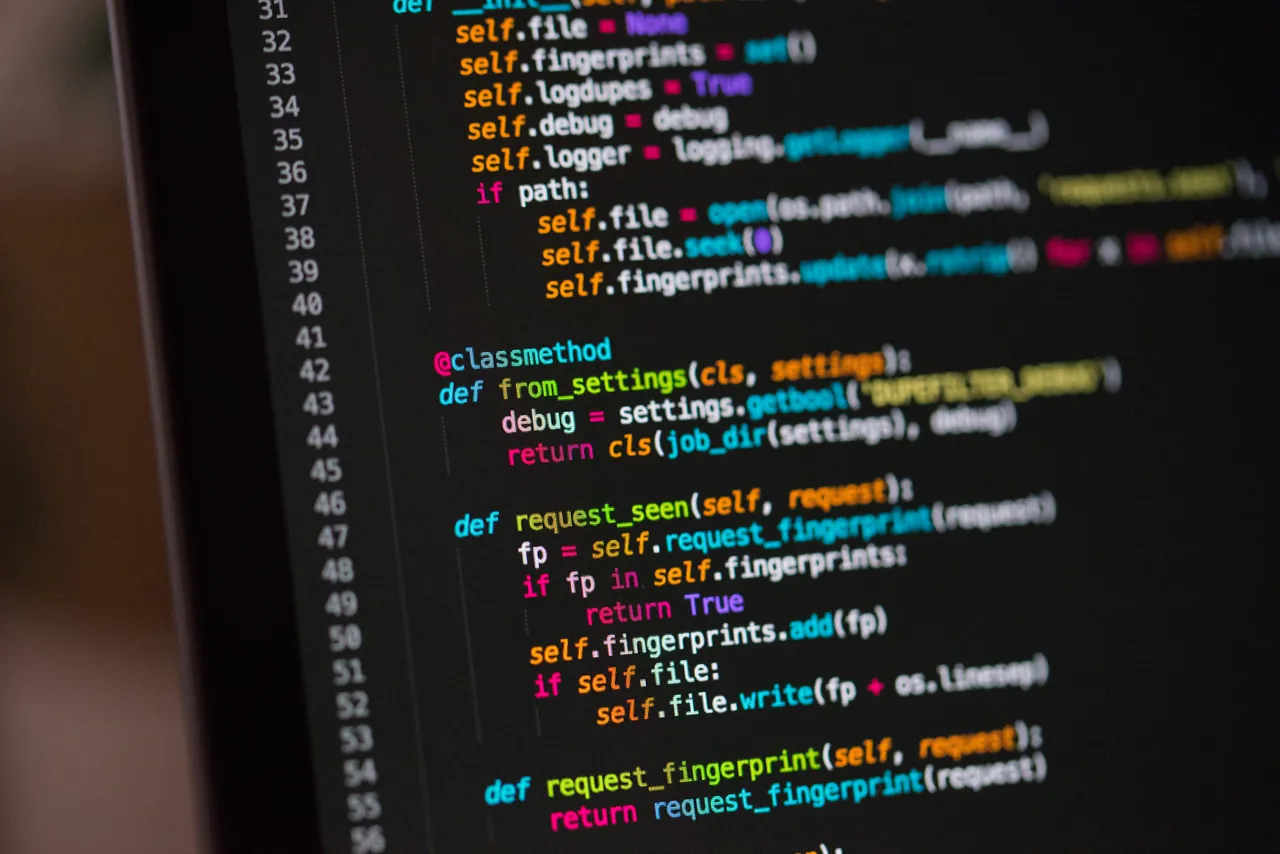
Code in video frames, docs, or Slack screenshots is painful to retype and easy to break. This guide shows a workflow to extract code with indentation, validate it quickly, and ask AI for explanations and safer alternatives.

Got a UI mockup or competitor screenshot? This guide shows how to use AI to break down layout structure, extract style hints, check states and accessibility, and output prioritized UX improvements—without opening Figma.

Contracts are long, and the risky clauses are rarely obvious. This guide shows an AI workflow to summarize key terms (payments, scope, termination, liability), generate a risk checklist, compare versions, and prepare negotiation edits—with a clear legal disclaimer.

Lab reports are full of abbreviations and arrows. This guide shows how to use AI to extract abnormal values with reference ranges, explain markers in plain English, generate doctor questions, and compare trends—without self-diagnosing.

Tables in PDFs and screenshots are dead data until you can export them. This guide shows how to extract tables to CSV/JSON, validate totals, fix common errors, and apply it to bills, financial reports, and research results.

Bills and invoices are confusing because the details are buried in tiny tables and codes. This guide shows how to use AI to extract fields, compare periods, detect hidden fees, and export a clean CSV for reimbursement or bookkeeping.
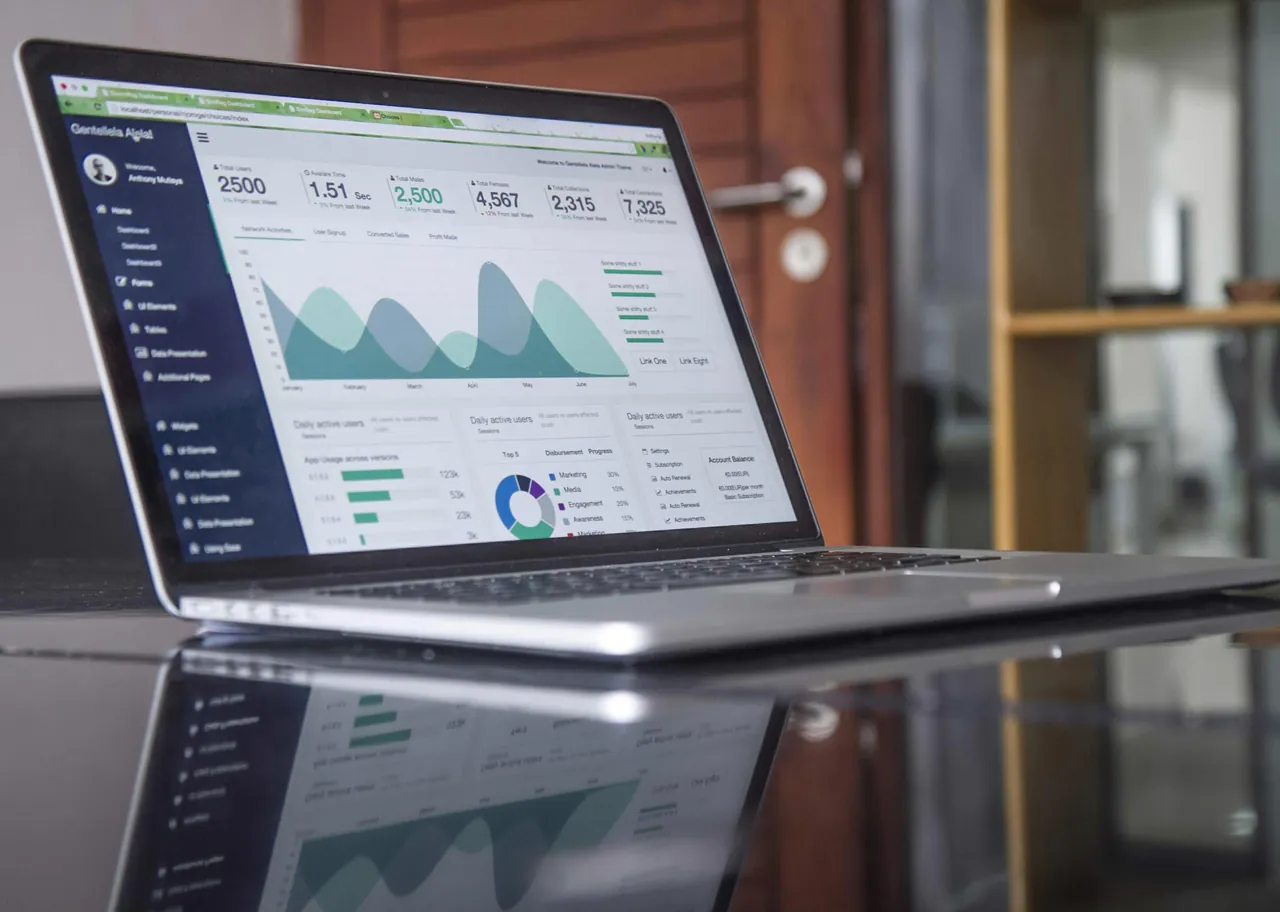
Papers are long, dense, and full of tables. This guide shows a practical AI reading workflow: relevance triage, structured extraction (problem/method/results/limits), figure/table interpretation, and cross-paper comparison.
Looking for a YouTube summarizer extension that actually saves time? Use this selection framework: long-video reliability, structured output, timestamp navigation, follow-up Q&A, and multimodal (OCR/screenshot analysis).

Emails, docs, videos, and chat threads can eat your day. This workflow shows how to use AI for TL;DR triage, structured extraction, timestamp navigation, and action-item generation—so you spend more time doing, not consuming.