
General Assistant · Eyesme AI agentAsk your AI assistant once. Get the finished file.
Research the web, write, and turn the answer into a typeset report, an editable slide deck or an image, all in one conversation.
Research the web, write, and turn the answer into a typeset report, an editable slide deck or an image, all in one conversation.
Deliverable types General Assistant produces
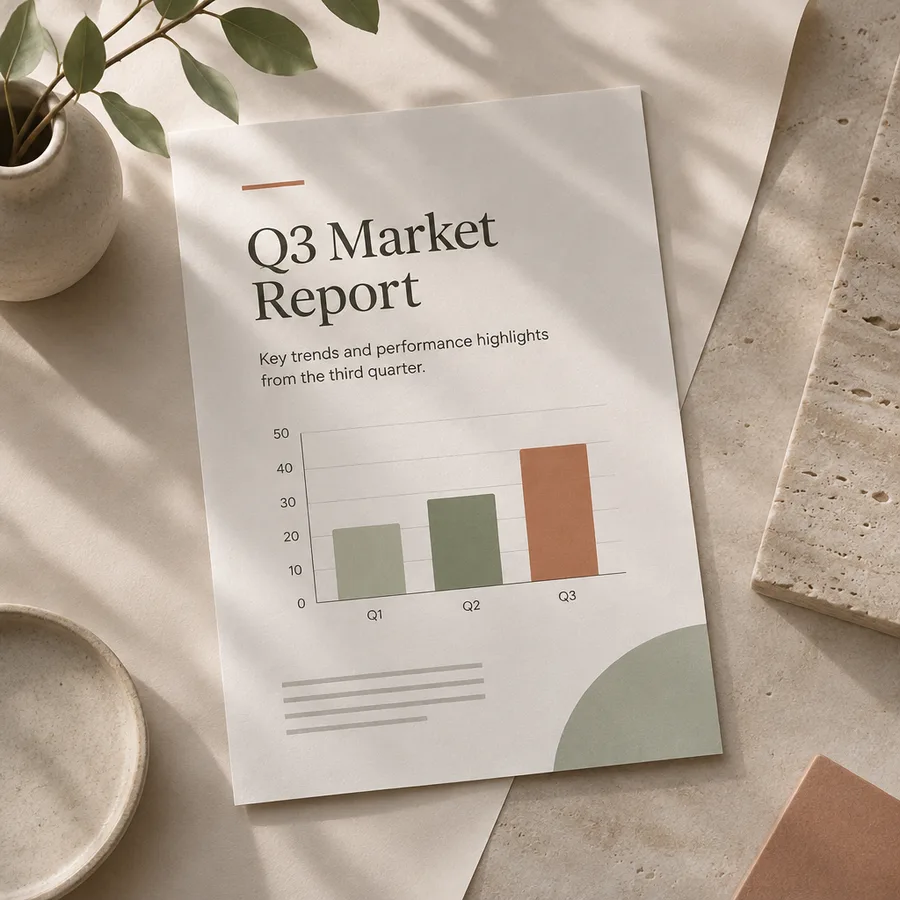
Cover, charts and table of contents, typeset on A4.
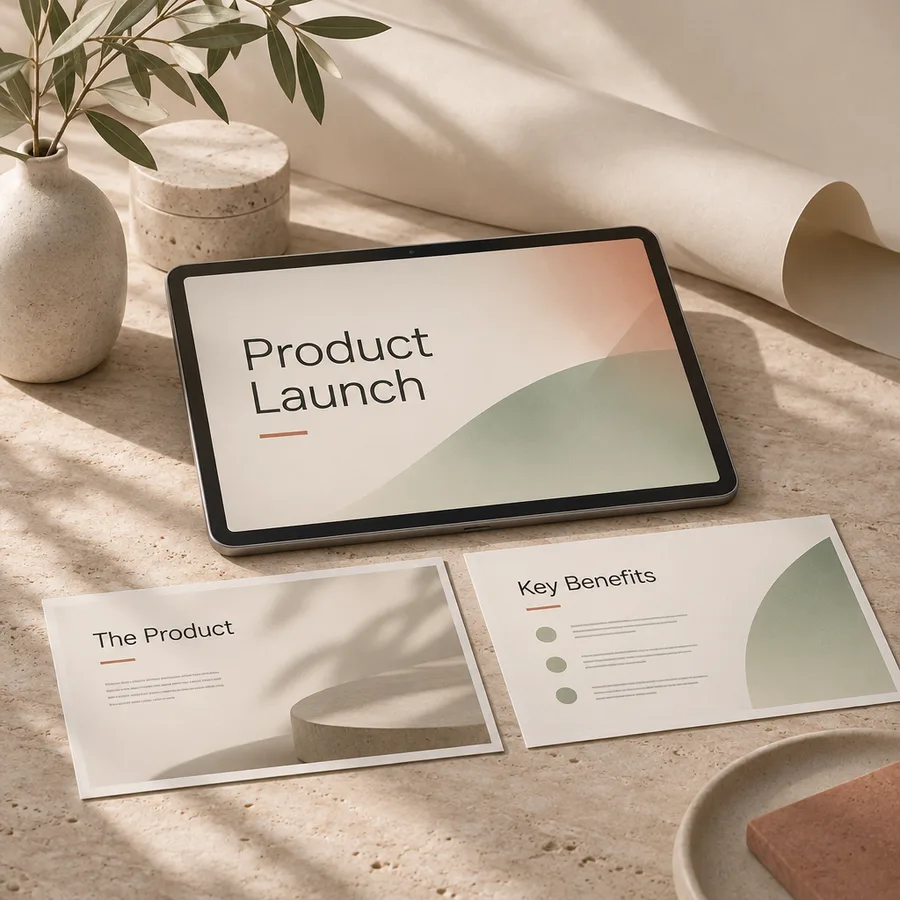
Themed slides with speaker notes, exported to .pptx.
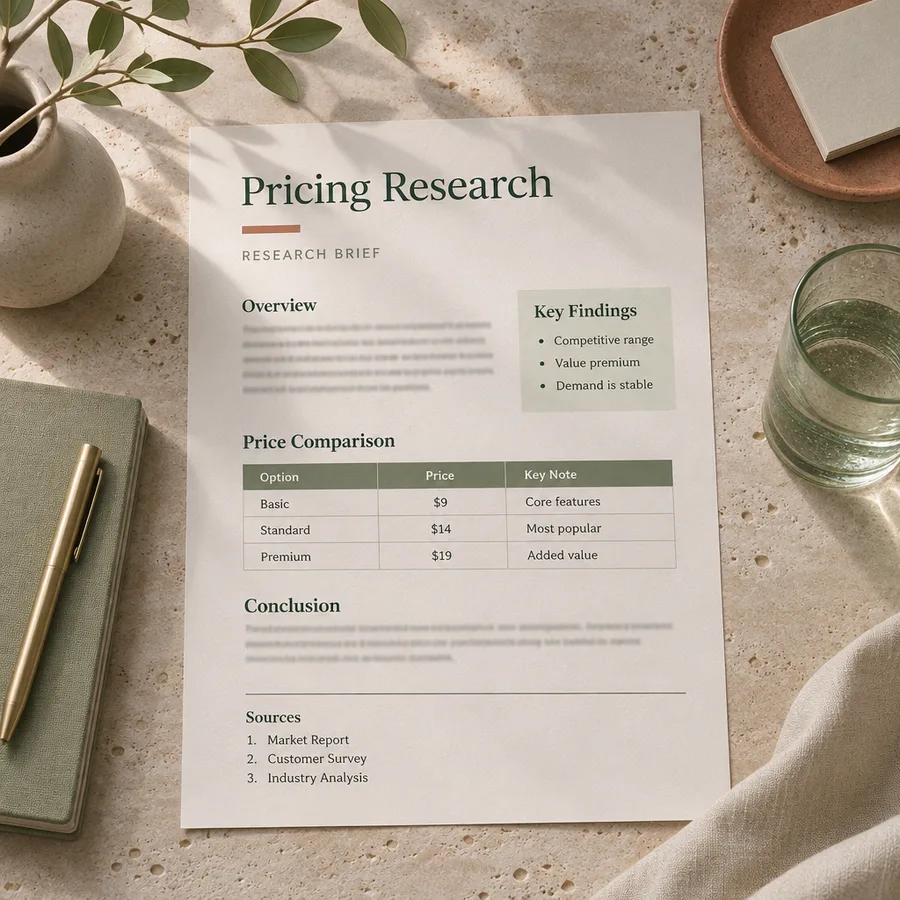
Findings with numbered source links you can check.

Generated images for posts, covers and campaigns.
General Assistant is Eyesme's all-purpose AI assistant. It searches the web and cites numbered sources, writes and translates, reads the PDFs, spreadsheets and screenshots you upload, and turns the result into a typeset PDF or Word report, an editable slide deck or a generated image. Start here when your task doesn't need a specialist.
It is also the way into every specialist agent: describe the task, and it either finishes the job or tells you which agent fits better.
Six abilities it combines on its own. You describe the result; it picks the tools.
It searches the web, reads the pages and returns conclusions with numbered source links. Paste a URL and it reads that page too.
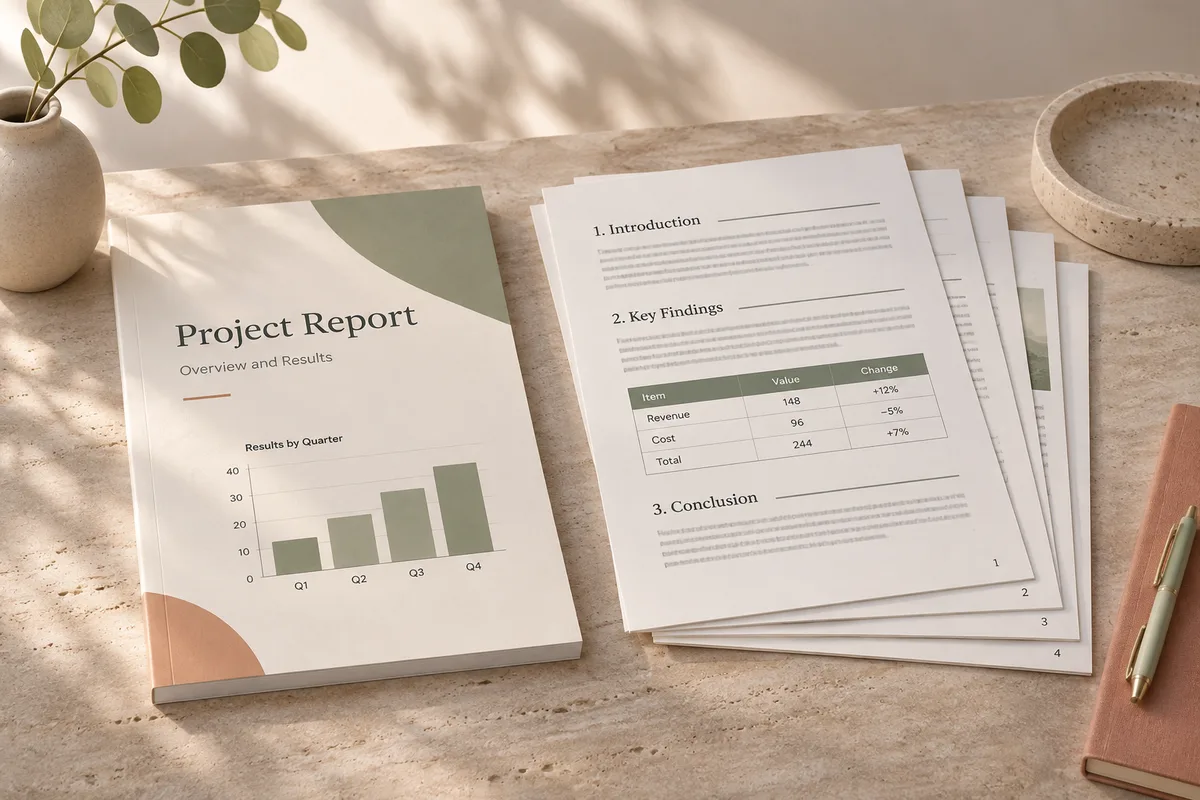
A4 pages with a cover, table of contents, headers and page numbers, in 15 themes. Download PDF or Word, or share a link.
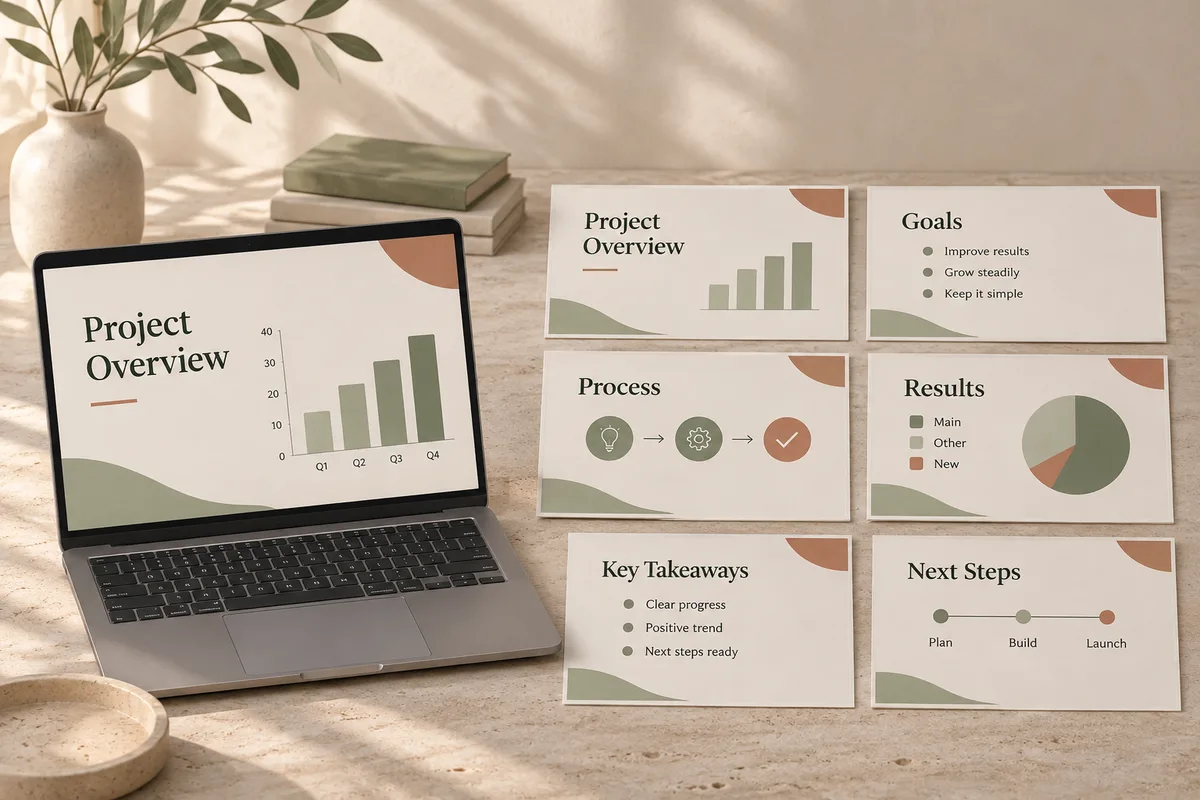
Charts, tables and timelines across 12 slide themes. Present full screen or download an editable .pptx.
Posters, illustrations and product shots, generated from a description without leaving the conversation.
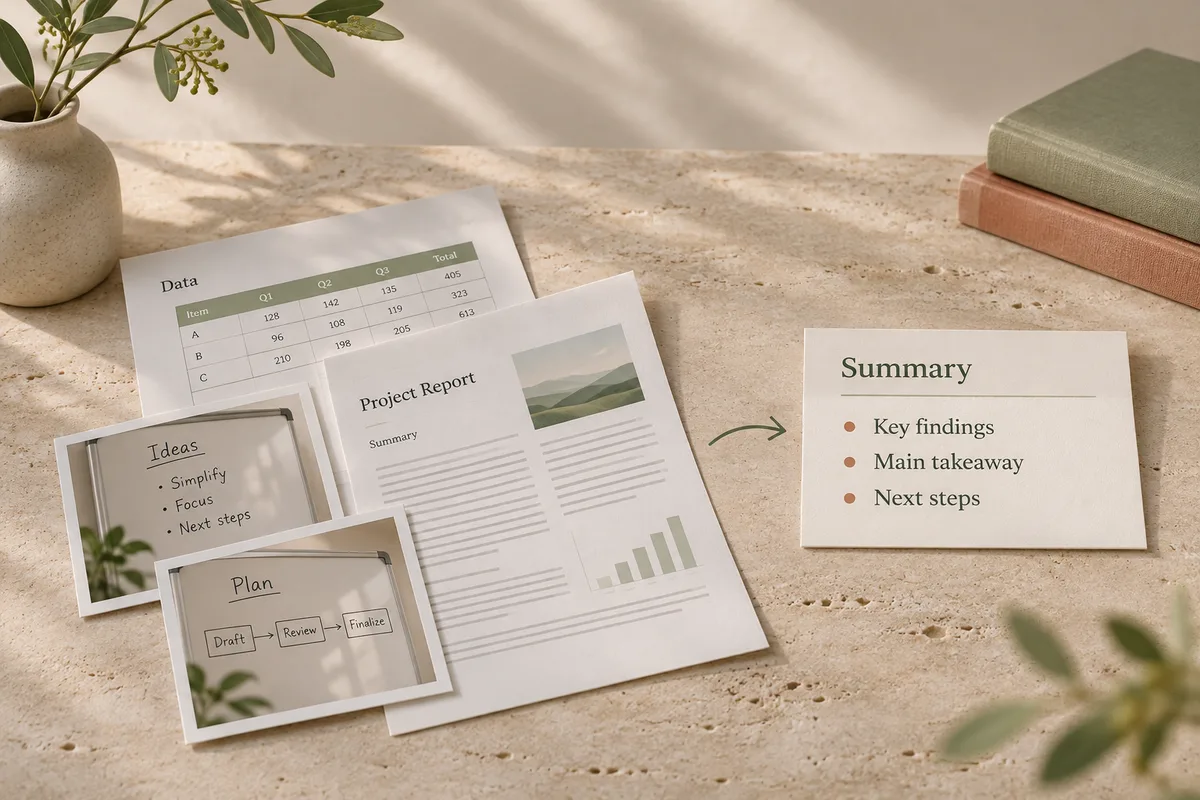
PDFs, Word files, spreadsheets and screenshots become source material: ask questions, get a summary, or pull out the figures you need.
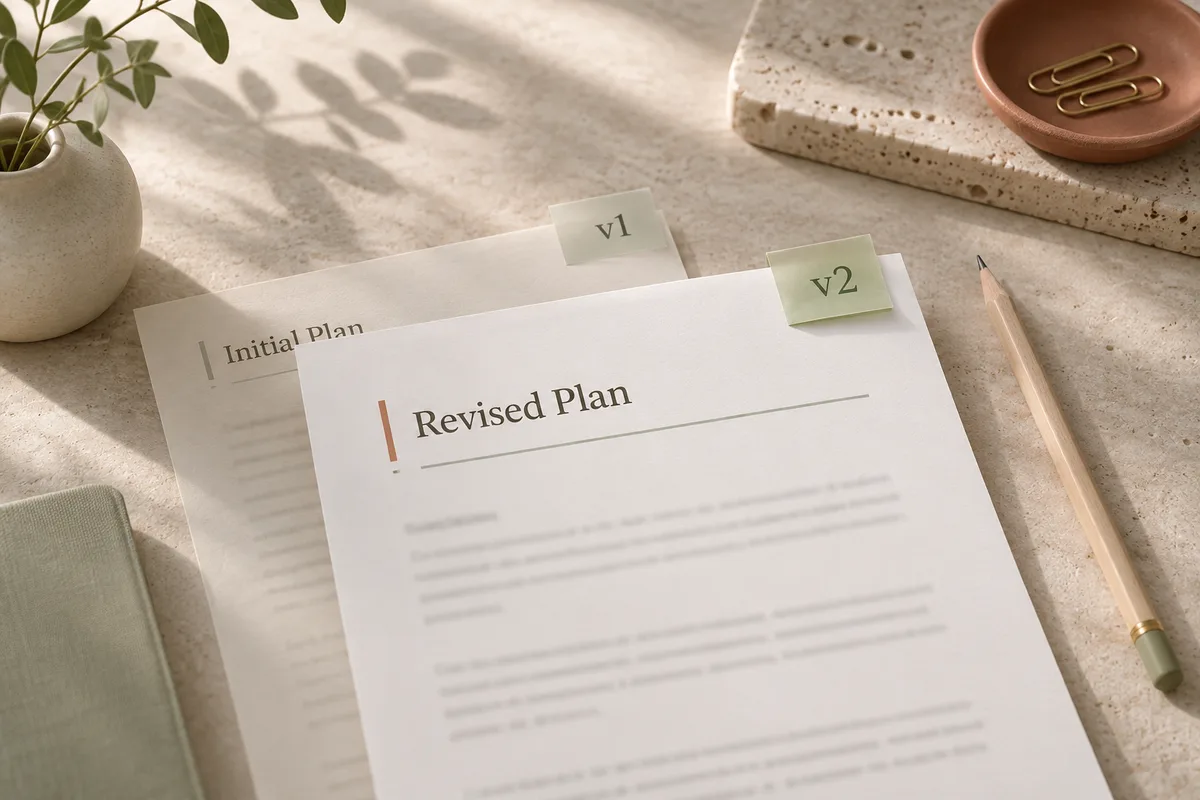
Say "make the conclusion three points" and the same document in the side panel is rewritten, with undo and redo.
Ask in plain words. The agent works step by step, and the result opens in the side panel ready to download or share.
Type what you need in plain words, or attach documents, spreadsheets and images as source material.
It breaks the task down and calls the right tools (web search, file reading, documents, slides) step by step.
Not quite right? Keep chatting; the document or deck is revised in place, with undo if you change your mind.
Download a PDF, Word file or .pptx, or share one link that anyone can open.
Compare the pricing of three note-taking apps and turn it into a report.
Your report is in the panel. Want a slide version for the team meeting?
Example requests by role, and what comes back.
“Combine these three sales spreadsheets into a weekly report with charts.”
“Turn our launch plan into a 10-slide deck with speaker notes.”
“Research what our competitors charge and cite every source.”
“Make a minimalist poster for our spring perfume launch.”
“Combine these three sales spreadsheets into a weekly report with charts.”
“Turn our launch plan into a 10-slide deck with speaker notes.”
“Research what our competitors charge and cite every source.”
“Make a minimalist poster for our spring perfume launch.”
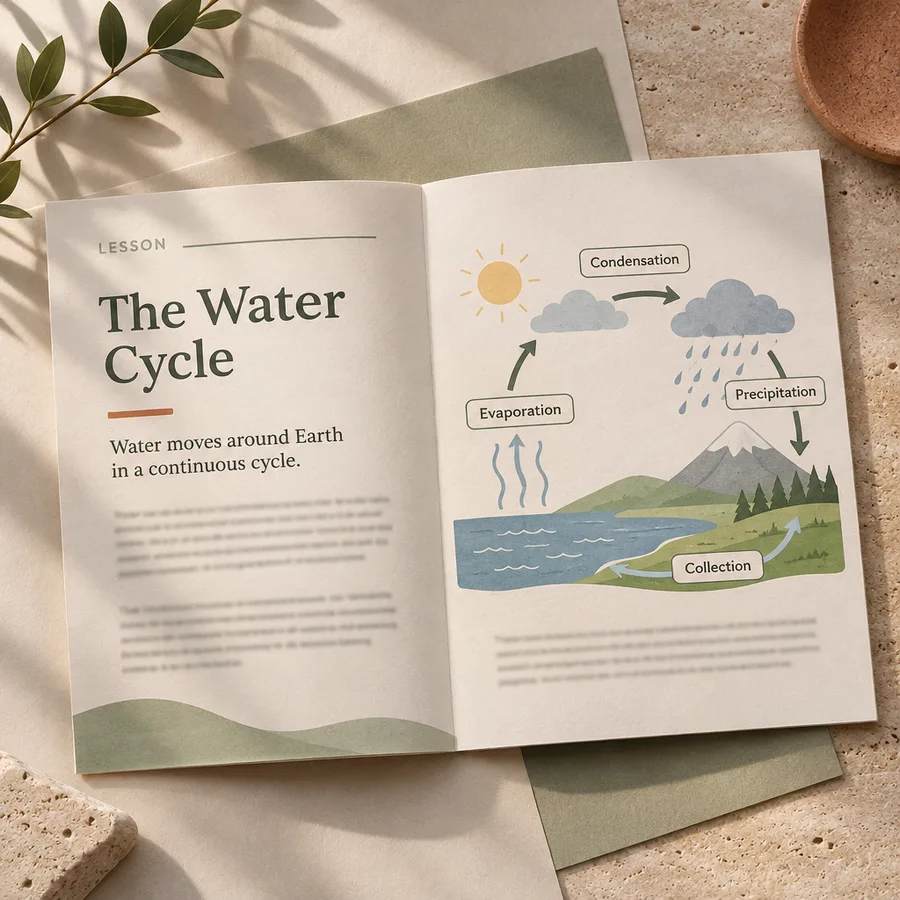
“Write a two-page handout on the water cycle for 12-year-olds.”
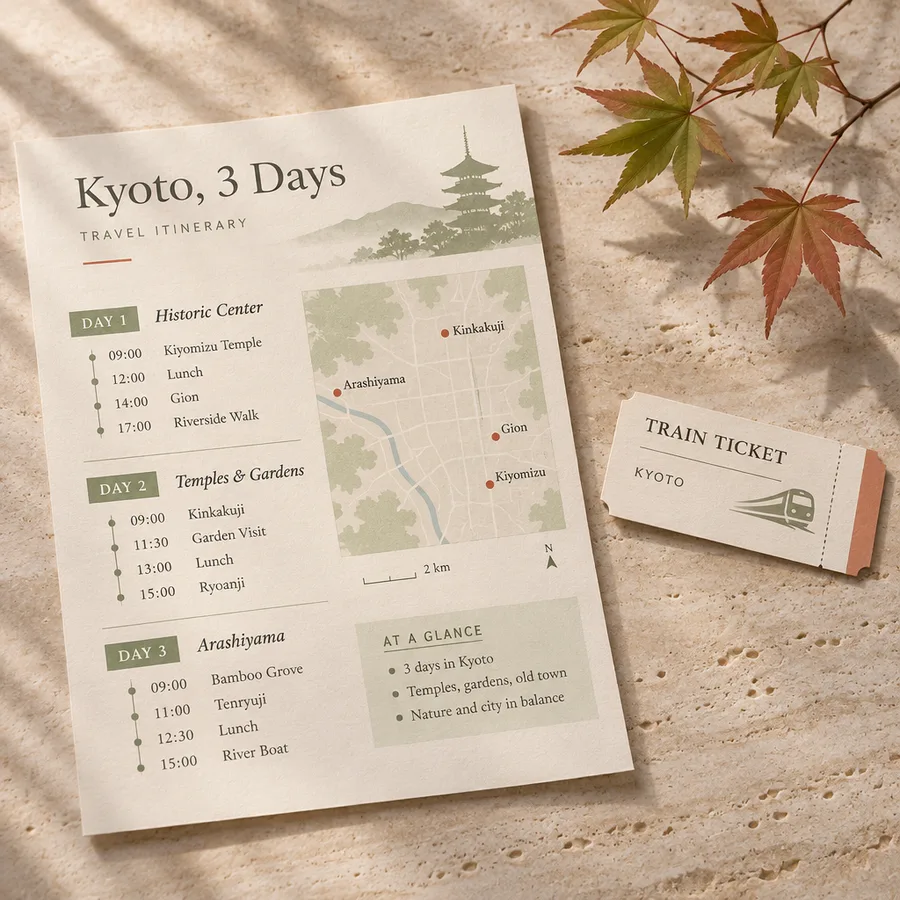
“Plan three days in Kyoto and make it printable.”
“Summarize this 60-page paper and list every figure it reports.”
“Make section two of my proposal more persuasive.”
“Write a two-page handout on the water cycle for 12-year-olds.”
“Plan three days in Kyoto and make it printable.”
“Summarize this 60-page paper and list every figure it reports.”
“Make section two of my proposal more persuasive.”
| Manual approach | General Assistant | |
|---|---|---|
| Writing a report | Copying between a chatbot and a word processor, formatting by hand | A structured, typeset document generated in the chat, ready to edit or download |
| Cleaning spreadsheet data | Filtering, formulas and double-checking by hand | Upload the sheet, describe the goal, get cleaned results back |
| Researching a topic | A dozen tabs and no idea which source to trust | Web search with numbered source links you can check |
| Building a deck | Writing the content, then rebuilding it in slide software | Content and slides produced together in one conversation |
| Reading a long document | Reading it end to end with notes on the side | Upload it and ask for the key points or figures you need |
General Assistant is Eyesme's all-purpose AI assistant. It searches the web with cited sources, writes, translates and reads the documents and images you upload, then turns the result into a PDF or Word report, a slide deck or a generated image. Start here when your task doesn't need a specialist.
You can start for free: a daily free allowance covers everyday writing, translation, coding help and Q&A. Web search, document and slide generation, and image generation are subscriber features, billed in credits by actual usage.
Yes, on a subscription. It searches, reads the pages it finds, and attaches numbered source links to its conclusions so you can verify them. Paste a URL and it reads that page directly.
Yes. PDFs, Word files, spreadsheets, images, and other common formats are supported. Upload them and ask questions, request summaries, or extract data.
Documents download as PDF or Word, slide decks as an editable .pptx, and generated images as image files. Documents and decks can also be shared as a link, and you can keep revising them in chat before you export.
Specialist agents such as Photo Studio or Tarot Insight add dedicated tools and workflows for one domain on top of the same base abilities. General Assistant handles general tasks and will point you to the right specialist when one fits better.
The interface ships in several languages, including English and Chinese; the conversation itself is not limited to one language, and translation works between common languages.
Eyesme AI agents
 Creation
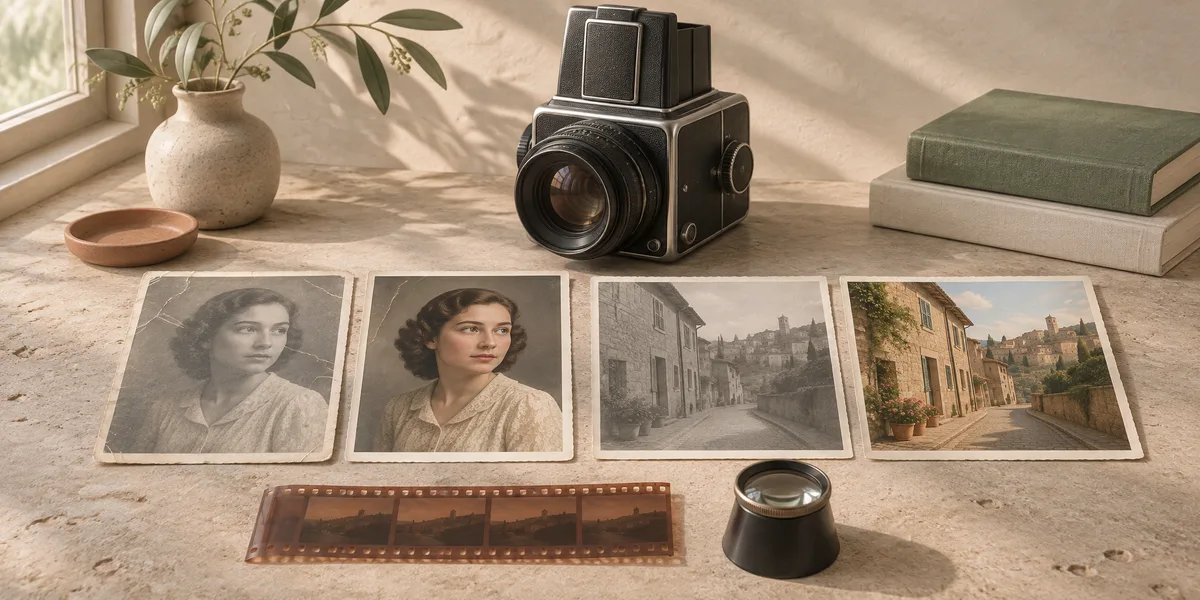
Remove backgrounds, restore and colorize old photos, add cinematic color, expand the frame or make ID photos. Each photo gets its own retry, and the set lands on a shareable album page.
 Life
Relationship advice for a crush, a cold spell or a breakup: what's proven, what's a guess, what's unknown, and one thing you can do right now.
 Life
Check ingredients against regulatory lists, get skincare routines with citations, and makeup guidance for your features. Evidence first, never a diagnosis.

Start free with daily credits; subscribe to unlock web search, documents, slides and images.
Start with General Assistant