
YouTube Insight · Eyesme AI agentSummarize any YouTube video in a minute.
Paste a link: the transcript, chapter summaries and exact quotes come back with timestamps, so you watch only the part that matters.
Paste a link: the transcript, chapter summaries and exact quotes come back with timestamps, so you watch only the part that matters.
What YouTube Insight hands back
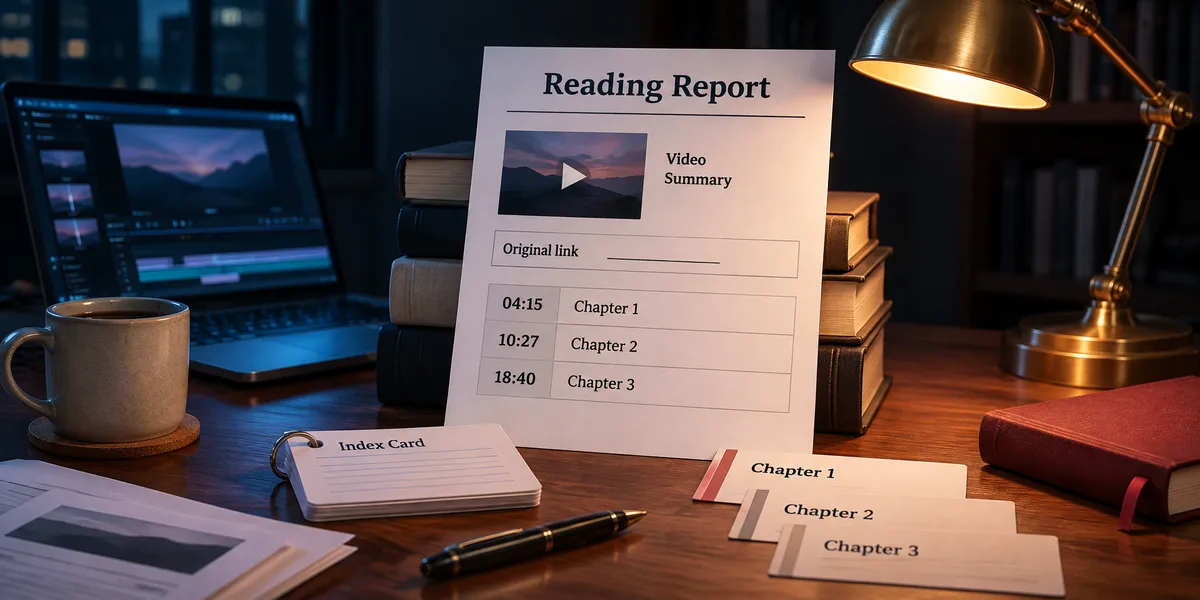
Typeset PDF or Word, source traceable.
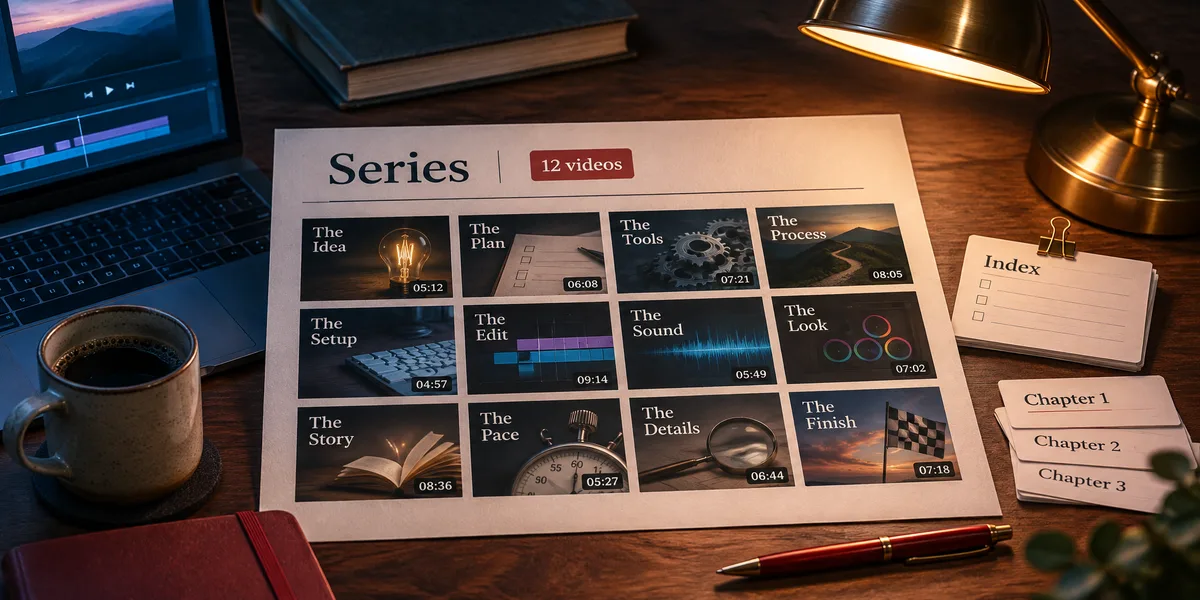
Grouped by topic, link ready to share.
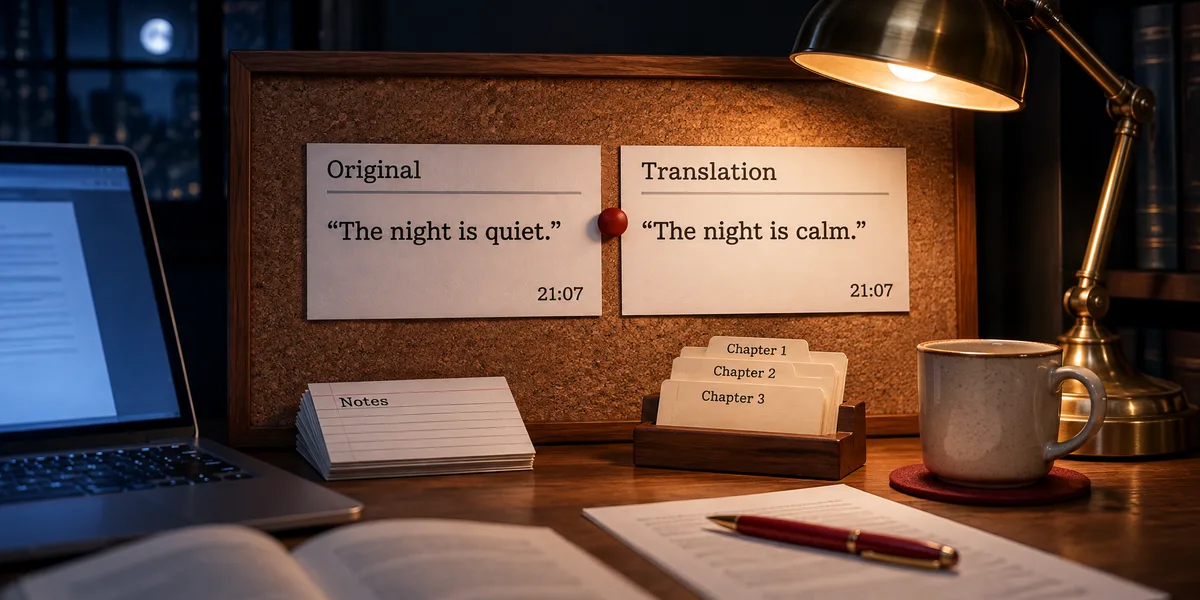
Quotes keep the original language; timestamps click.
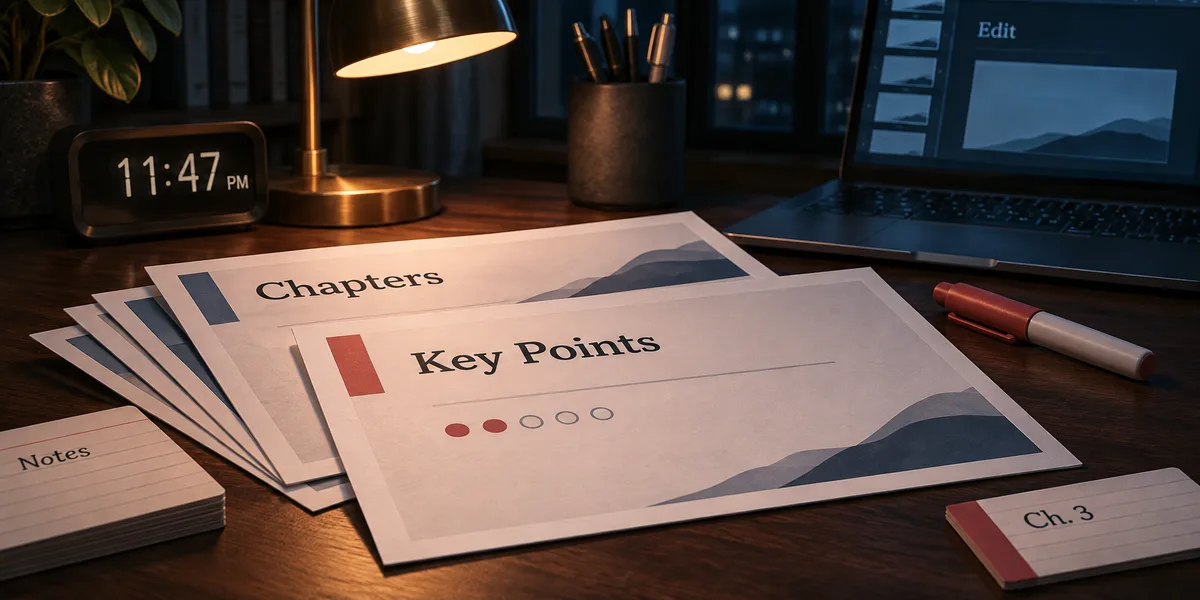
36 layouts, editable .pptx export.
YouTube Insight is an AI YouTube video summarizer from Eyesme. Paste a video link and it pulls the transcript, then writes chapter summaries, collects exact quotes and keeps your notes, all pinned to timestamps you can click back to. Not sure which video to watch? Ask it to search a topic first and compare views, likes and top comments. Everything it says comes from the transcript, and every quote carries the minute it was said.
Works with long lectures, podcasts and interviews, including videos without captions, which it transcribes first. Foreign-language videos can be read side by side with a translation; if the caption language you want isn't available, it lists the ones that are.
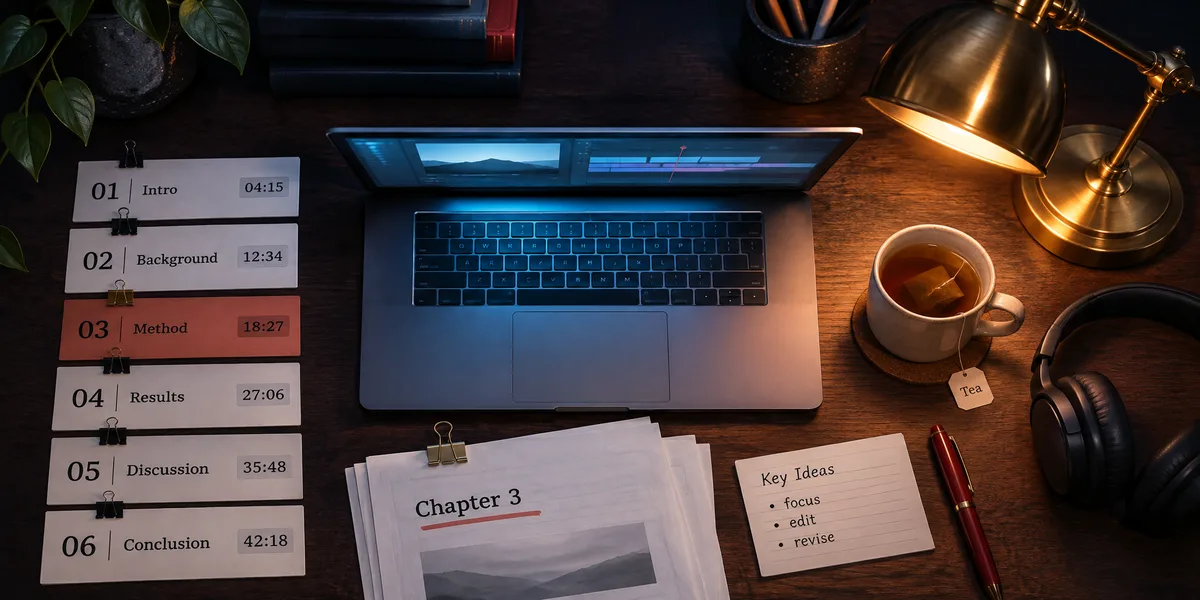
Find the right video, read what it actually says, and keep what's useful. Every claim traces back to a timestamp in the original.
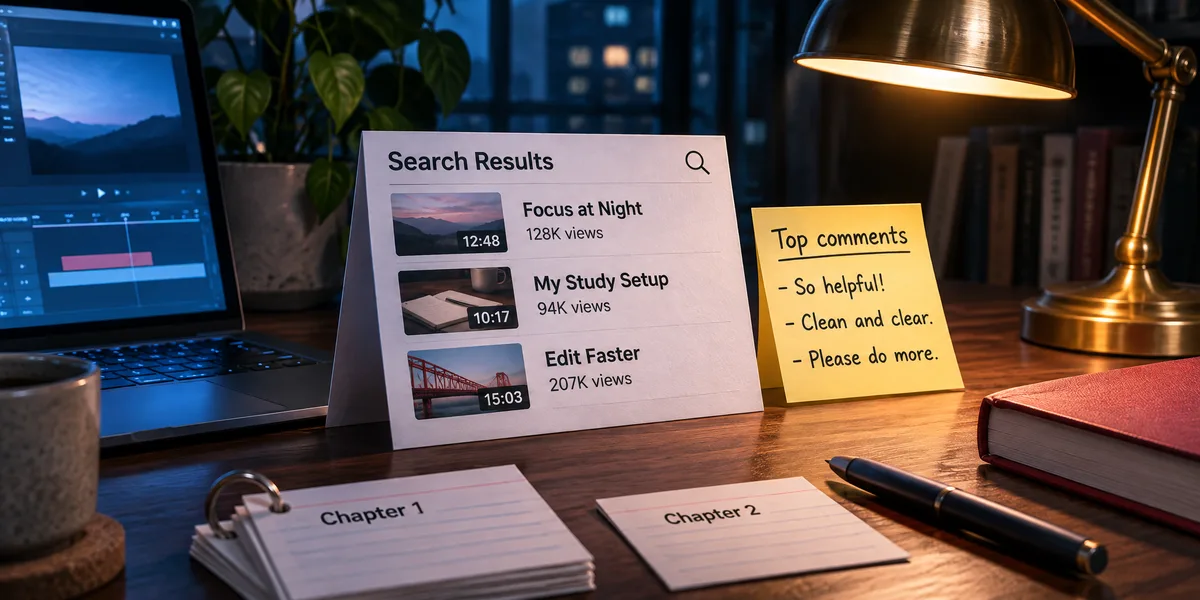
Search a topic and compare up to 20 results side by side: duration, views, likes, upload date and the top three comments for each. Sort by newest or most viewed, then pick.
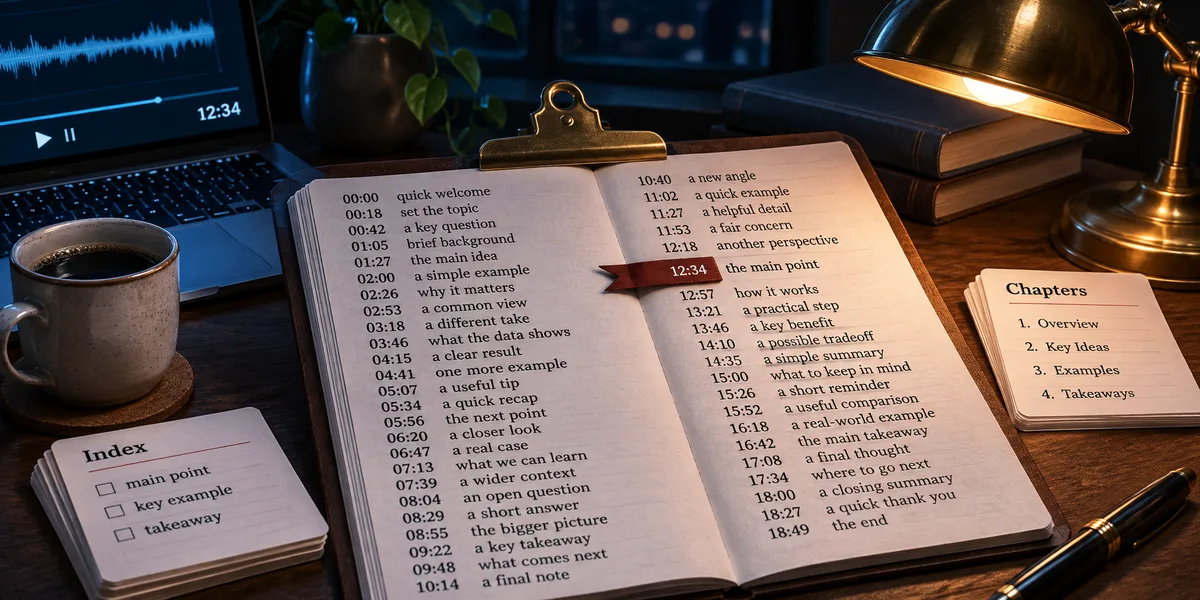
Videos up to about 30,000 characters come back as full text. Longer lectures and podcasts are split into a searchable library, so each question pulls only the passages it needs. No captions? It transcribes the audio.
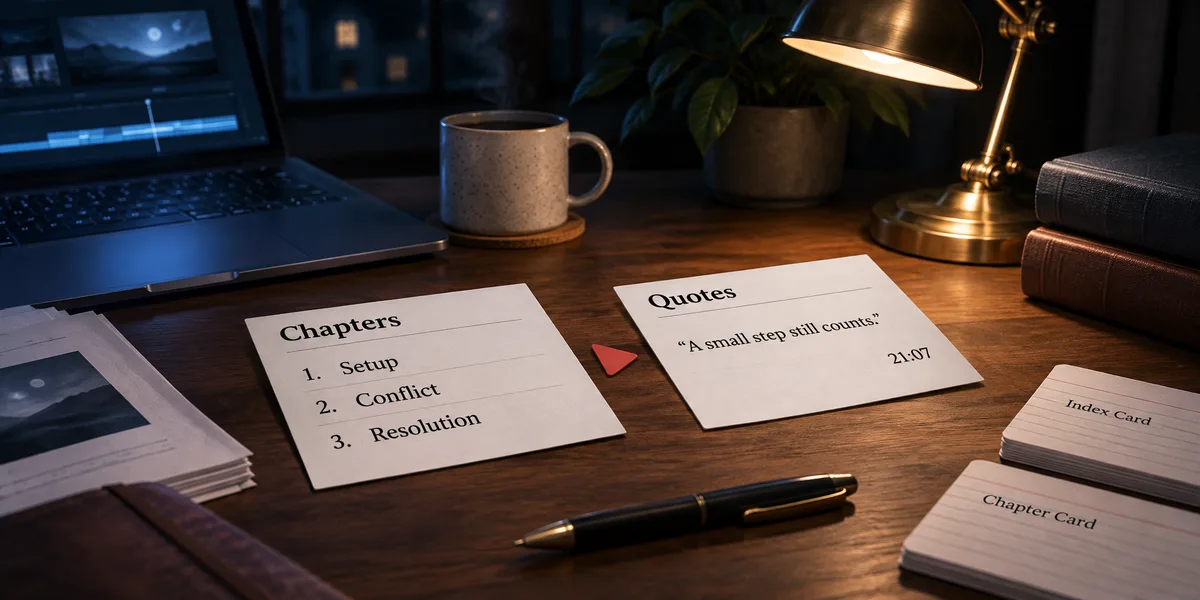
Chapters cover the whole timeline with a one- or two-sentence summary each. Quotes stay word for word in the original language, and clicking a timestamp jumps to that moment. Both can show a side-by-side translation.
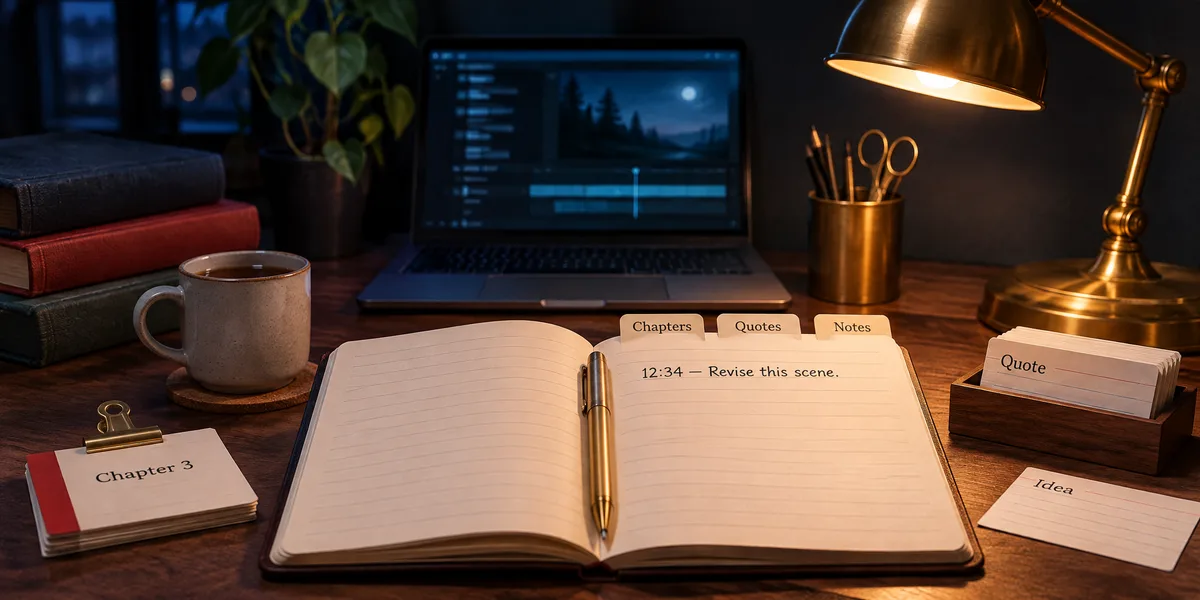
Save notes to a moment in the video while you read. Filler words are cleaned up, cut-off sentences are completed, and the transcript, summary and notes stay together on one page.
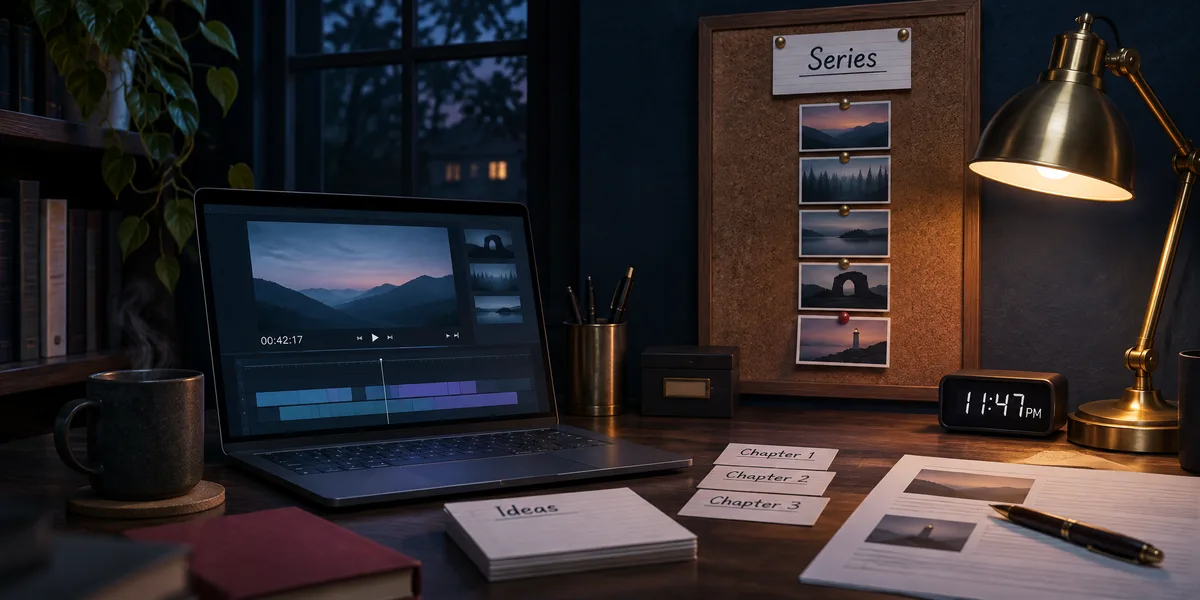
Send several links, like a course or a podcast season, and it asks whether to group them into one collection. Each video gets its own page, plus an index you can share.
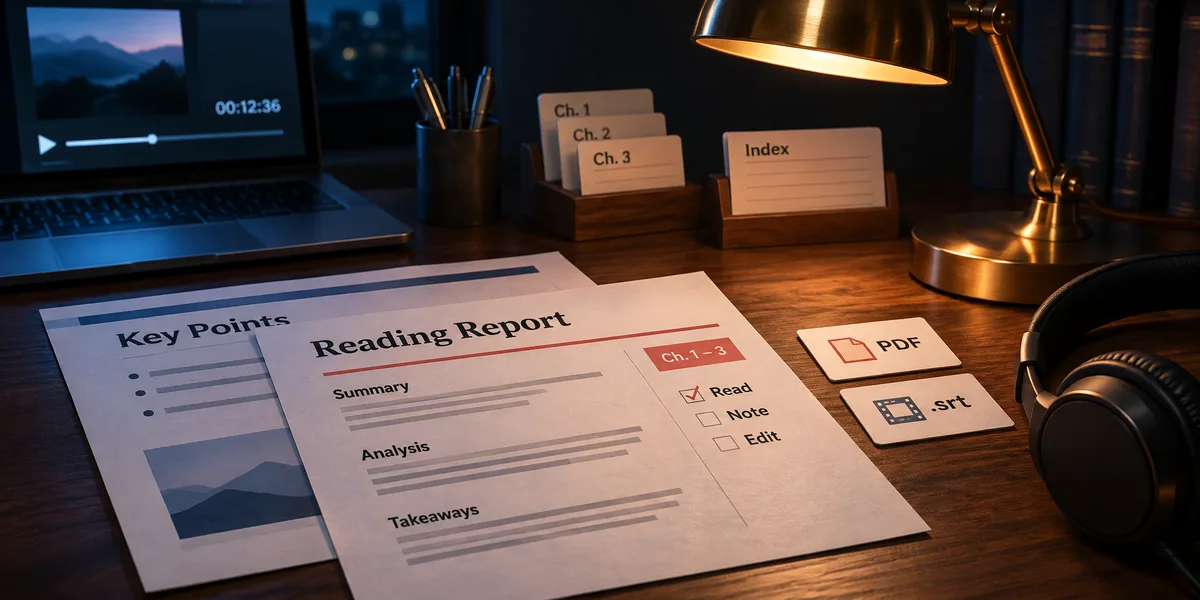
Turn a summary into a reading report with the video cover and source link in 15 document themes, or into a key-points deck with 36 layouts. PDF, Word and PPTX are generated on request.
YouTube Insight adds the transcript pipeline and video pages on top of the base agent, so reports and decks stay in the same conversation.
Transcript first, then the points; the report lands in the side panel.
Send the video URL, or ask for a topic; results come back with view counts, likes and top comments.
Full text with timestamps; long videos are chunked into the library so later questions only pull the relevant pieces.
Chapters cover the whole timeline, quotes stay verbatim, notes pin to timestamps. All of it lives on the video page's three tabs.
A reading report (cover and source link included) or a key-points deck. Pick a theme, and PDF, Word or PPTX render on demand.
https://www.youtube.com/watch?v=… — break this talk down for me, I need to decide whether to watch it all.
The skeleton is here: 11 chapters cover the talk, and 6 quotes jump straight back to the moment. Section 3 answers your question directly. The report is in the panel with cover and source included, in PDF or Word, your call.
Example requests by situation, and what comes back.
“So many videos about this topic lately. Pick one by views and top comments.”
“Two-hour lecture, no time to watch it all. Give me the skeleton.”
“Which minute does this interview make the claim about X?”
“Pausing to take notes is painful. Store the points by timestamp.”
“So many videos about this topic lately. Pick one by views and top comments.”
“Two-hour lecture, no time to watch it all. Give me the skeleton.”
“Which minute does this interview make the claim about X?”
“Pausing to take notes is painful. Store the points by timestamp.”
“English interview: give me bilingual key points.”
“What does this channel's latest episode actually say?”
“This podcast is 12 episodes deep; file it as a series.”
“I already have the .srt file; work from that.”
“English interview: give me bilingual key points.”
“What does this channel's latest episode actually say?”
“This podcast is 12 episodes deep; file it as a series.”
“I already have the .srt file; work from that.”
| Manual approach | YouTube Insight | |
|---|---|---|
| Choosing a video | Guessing from titles and thumbnails | Duration, views, likes and top comments compared in one list |
| Long videos | Watching the whole hour to find the point | Read the chapter summaries first, then watch only the part you need |
| Taking notes | Pausing, rewinding, copying timestamps by hand | Notes saved to the moment, cleaned up, kept on the video's page |
| Foreign-language videos | Auto-translated captions that lose the meaning | Chapters and quotes with a side-by-side translation |
| Keeping what you learned | A bookmarks folder you never reopen | A report with cover and source link, or a series index page |
YouTube Insight is Eyesme's AI agent for summarizing YouTube videos. Paste a link and it pulls the transcript, writes chapter summaries, collects exact quotes and keeps timestamped notes. It can also search YouTube and compare videos by views and top comments. Everything comes from the transcript, and every quote has a timestamp.
You can start free: the daily credits cover everyday searching, transcripts and key points. Documents, slides, image generation and web search are subscription features; heavyweight jobs like full-transcript translation are billed by usage.
Yes. When the original video has no captions, the transcription service generates them; if it can't, the agent says so instead of pretending.
No hard limit. Up to 30k characters come back as full text with timestamps; longer videos are chunked into a searchable library, so questions pull only the relevant pieces.
The transcript comes in the video's original language by default; if the language you want isn't available, it lists the options instead of silently swapping. Chapters and quotes support side-by-side translation, and the whole transcript can be translated into any target language.
The video page itself is shareable; reading reports and summaries become typeset PDF or Word (the report embeds the video cover and the original link), and key points export as .pptx slides. Subtitle files like .srt/.vtt and spreadsheets can be parsed into the conversation.
General Assistant is general. YouTube Insight adds the transcript pipeline and the video page: data-backed search, timestamped source text and key points, shareable series pages, and one hard rule: nothing invented beyond the transcript, every citation with a timestamp.
Eyesme AI agents
 Study
Learn concepts step by step, turn handouts into flashcards, and follow an exam plan that adapts as you go. Your mistakes come back for review on schedule.
 General
Research with sources, write, translate, code and read your files, then get the result back as a typeset document, a spreadsheet or an editable slide deck.
 Creation
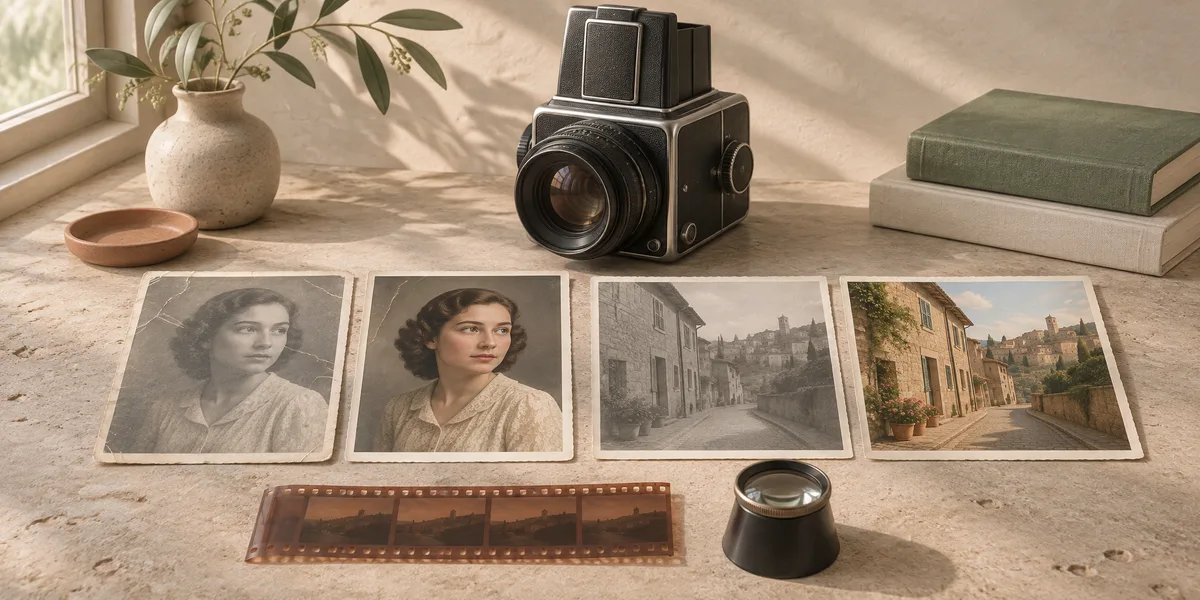
Remove backgrounds, restore and colorize old photos, add cinematic color, expand the frame or make ID photos. Each photo gets its own retry, and the set lands on a shareable album page.
Start free with daily credits; subscribe to unlock documents, slides and web search.
Start with YouTube Insight