

Auto-detect
Describe the edit, it picks the tool
Say "colorize this" or "make it cinematic" and it matches your words to one of 21 photo tools, opening its panel right in the chat. Drag the slider to compare before and after.
Colorize, restore, cut out, relight or expand up to 50 photos at a time, then share the finished set as an album page.
Hover a card to compare
Natural film color for old family photos.
One of 12 cinematic filters.
A transparent PNG with clean edges.
Lens-style depth of field, subject kept sharp.
Photo Studio is Eyesme's AI photo editor. Describe the result you want and it opens the right tool: background removal, cinematic lighting, colorizing and restoring old photos, expanding the frame, ID photos, or one consistent style across a whole set. Each photo is processed and retried on its own, and the finished set is collected on a shareable album page.
It is built on General Assistant, so web search, documents and slides work in the same conversation. One failed photo never means redoing the batch.
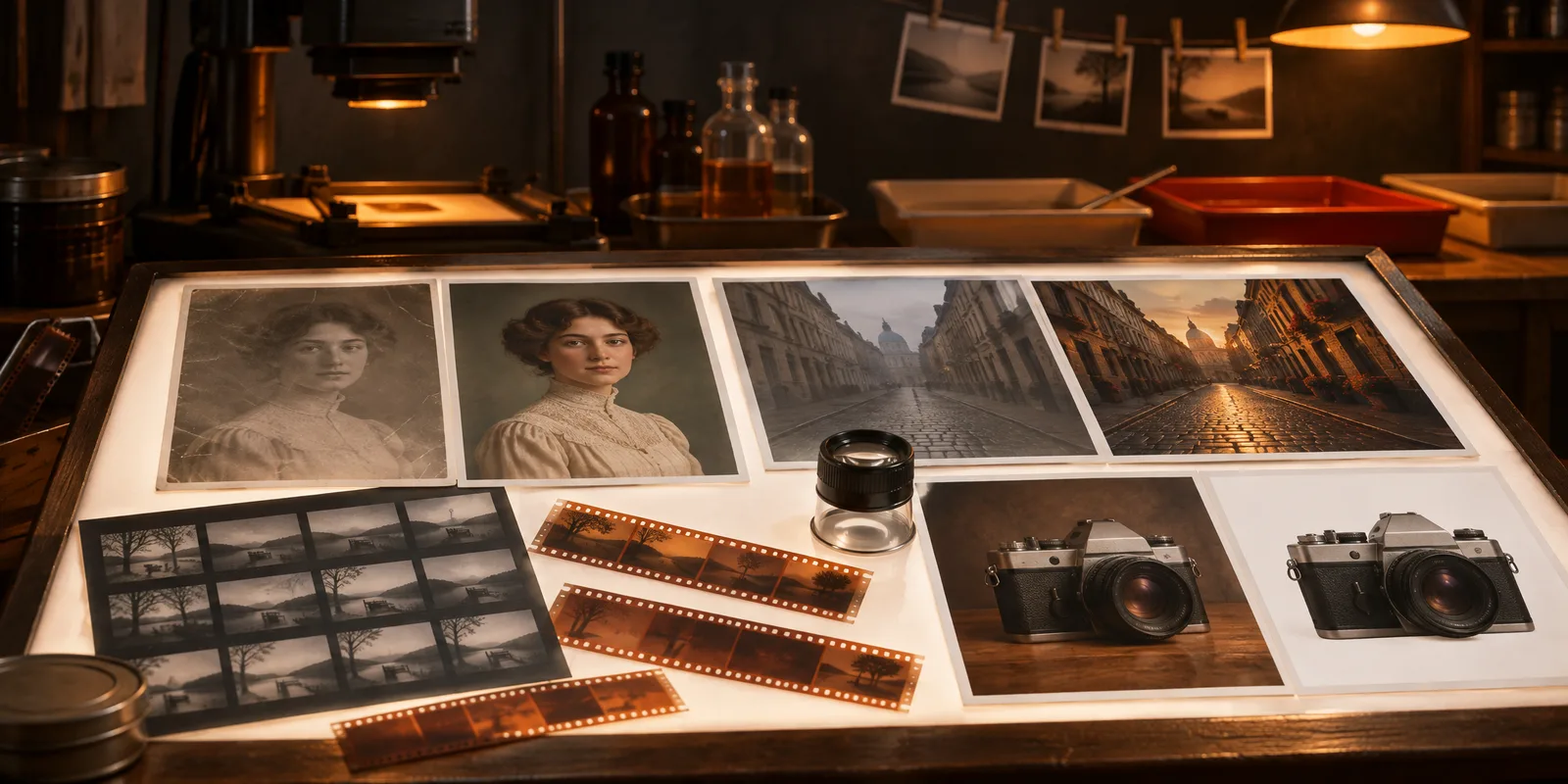
Describe the result. Photo Studio opens the right tool, processes each photo and files what comes back.
Say "colorize this" or "make it cinematic" and it matches your words to one of 21 photo tools, opening its panel right in the chat. Drag the slider to compare before and after.
Background and crop are set to standard specs from an ordinary picture. Check the official requirements before you submit.
Pick one filter or film look for a whole set and every photo comes out matched. Hover any result to see the original.
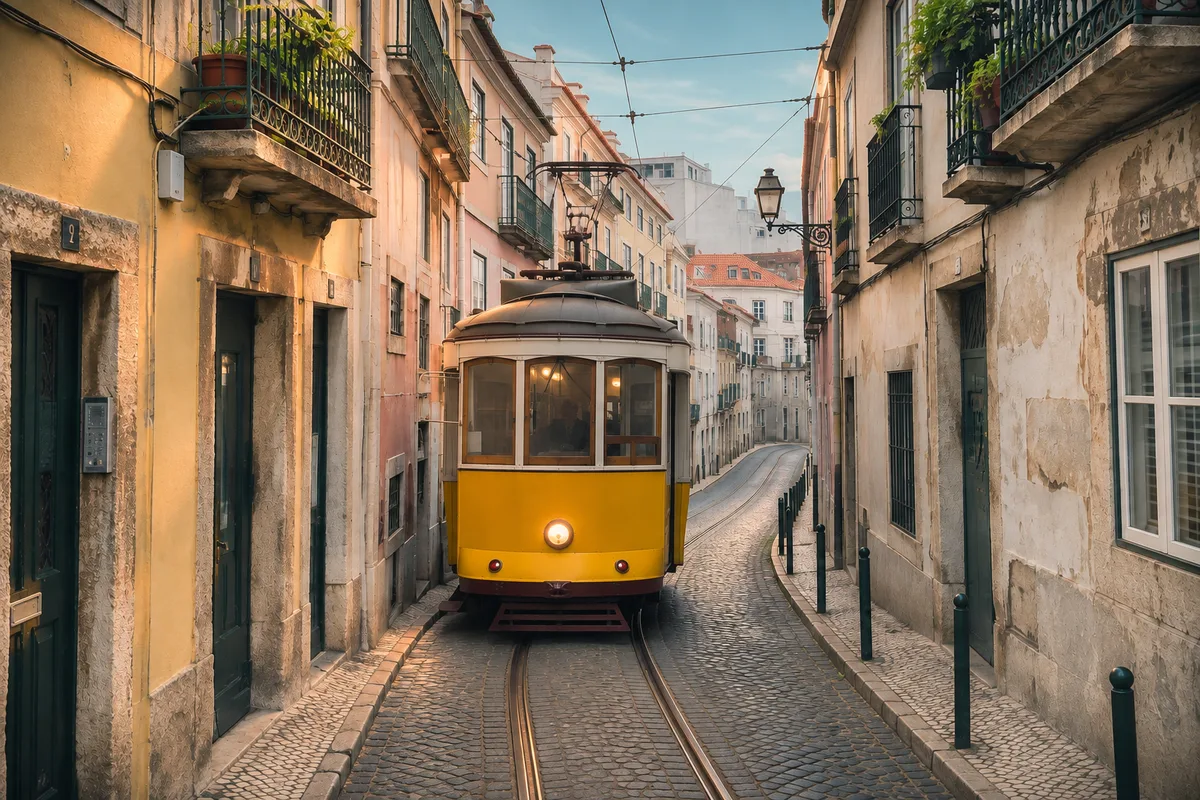 IMG_0001Done
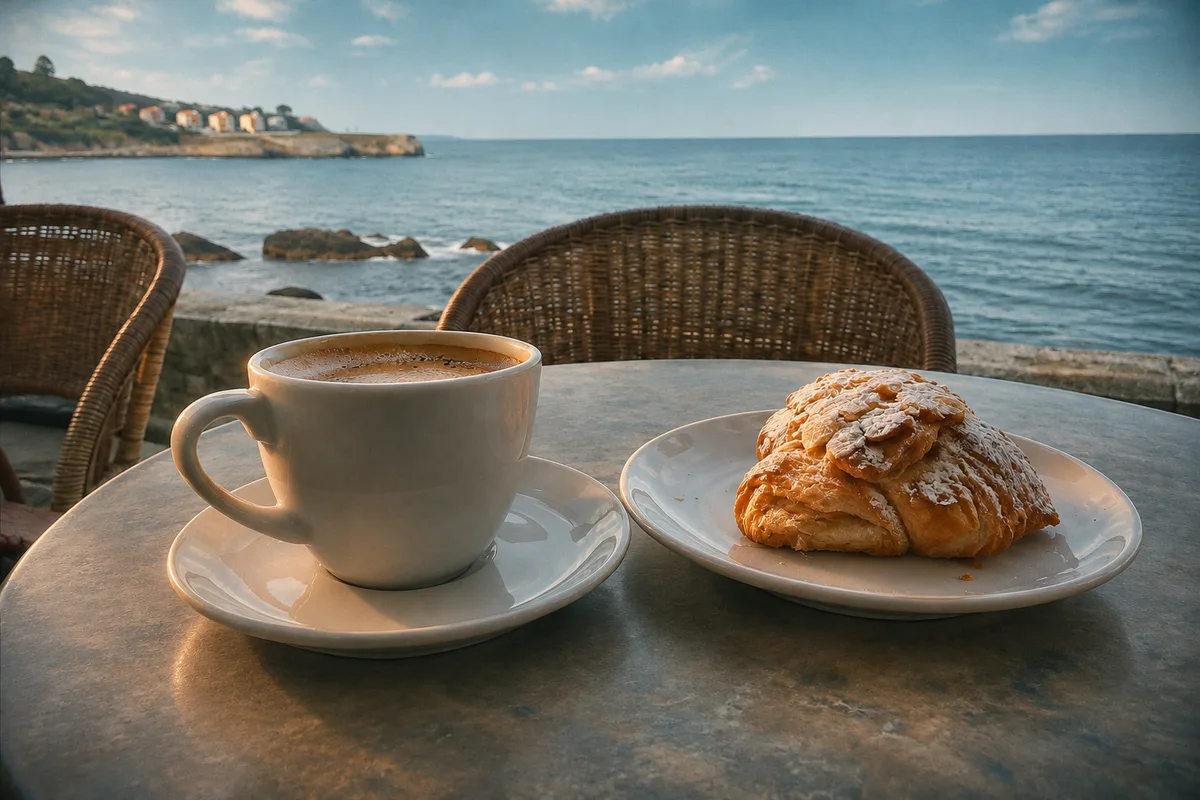 IMG_0002Done
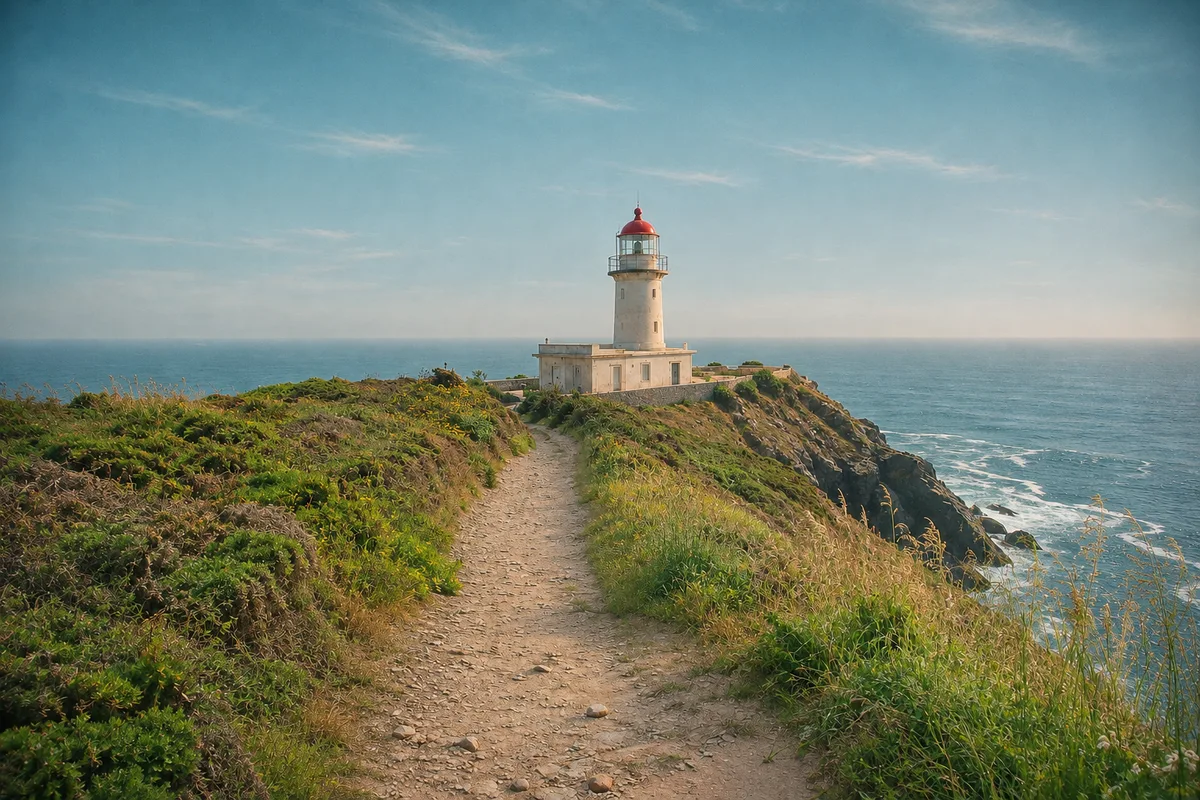 IMG_0003Retrying
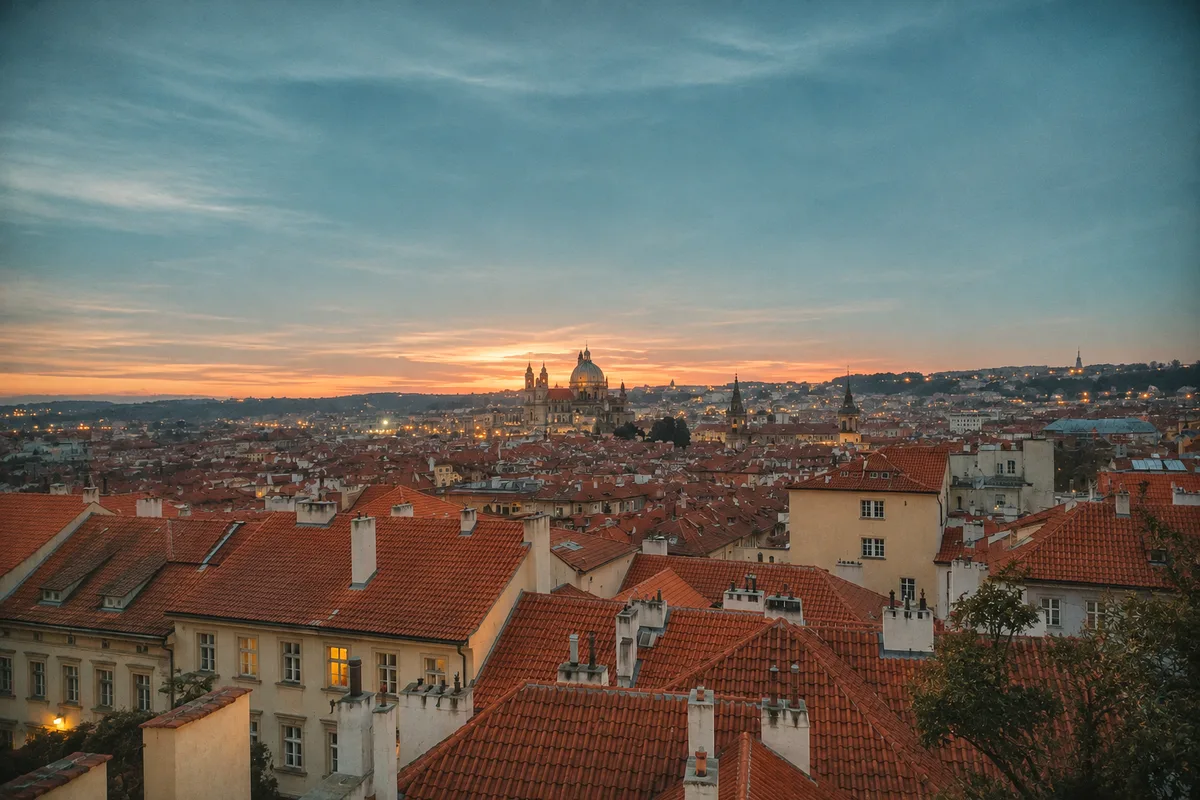 IMG_0004Done
Each photo is generated on its own, so you can retry or remove one image without redoing the batch.
Results are filed in the side panel and on a public /g page. Send the link, or download everything as one bundle.
Photo Studio adds photo tools on top of the base agent, so the rest of the job stays in the same conversation.
Upload, say what you want, review each photo, and collect the set.
Send the photos into the chat, one or a whole batch.
Say "make it cinematic" or "restore this old photo": the agent detects the type and opens the right panel.
Each image generates on its own; retry individually or rephrase until it looks right.
Everything lands in the panel and a public share page; download one by one or as a bundle.
Give these 4 travel photos one warm film look.
Done. Your Lisbon set is on its album page. Want the same look on more photos?
Example requests by role, and what comes back.
“Remove the background from all 40 product shots and keep them transparent.”
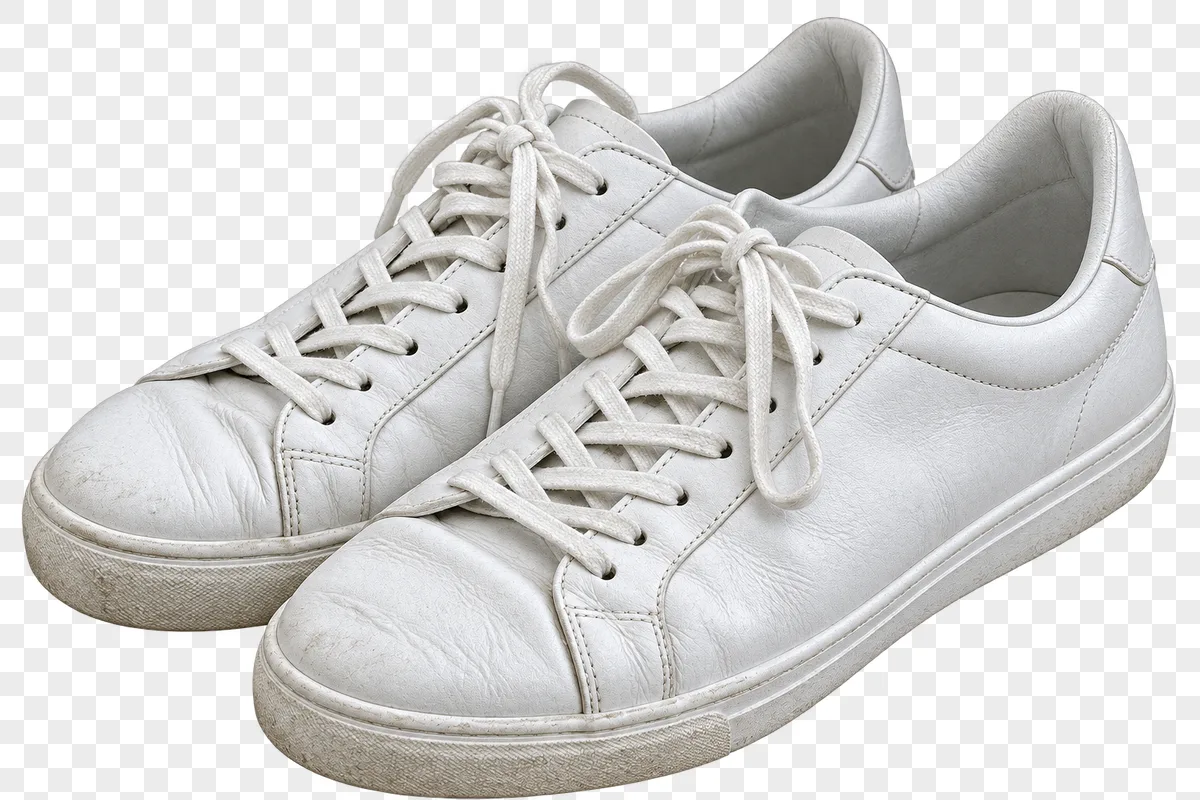
“Colorize my grandparents' wedding photo.”
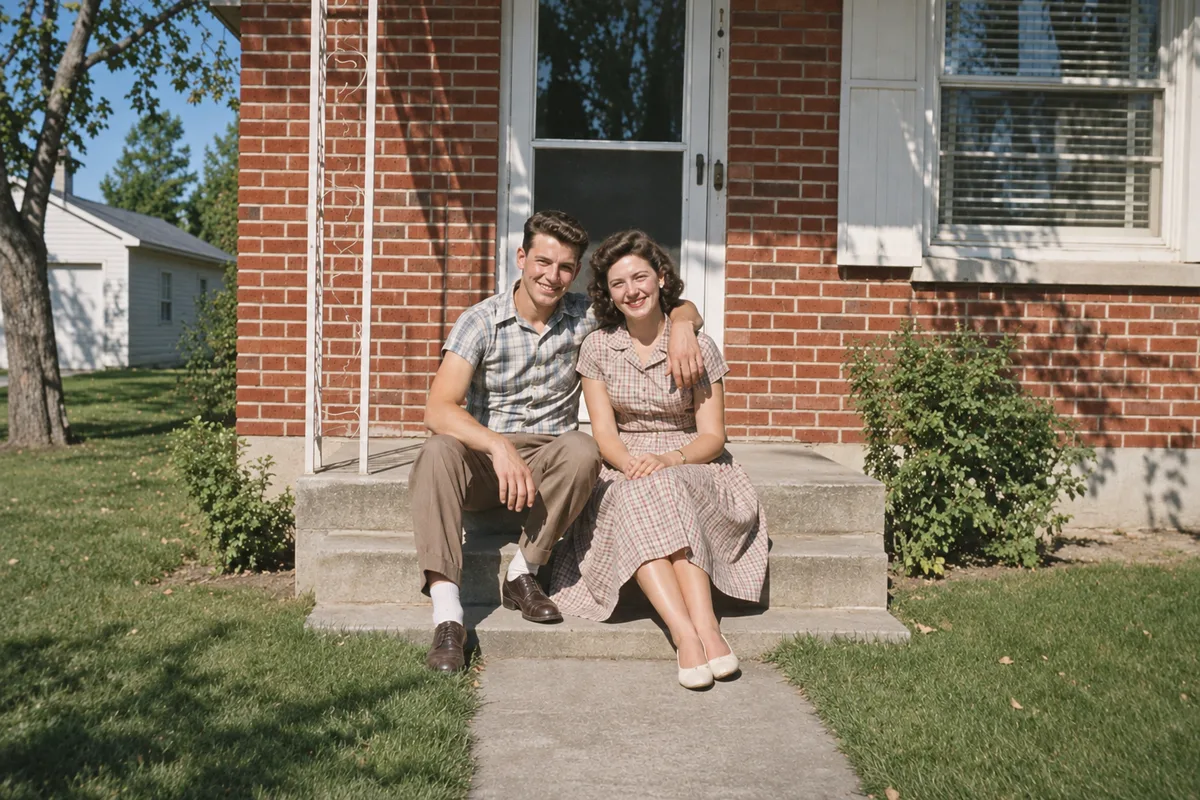
“Give my 12 Lisbon photos the same warm film look.”
“Turn this selfie into an ID photo with a white background.”

“Remove the background from all 40 product shots and keep them transparent.”
“Colorize my grandparents' wedding photo.”
“Give my 12 Lisbon photos the same warm film look.”
“Turn this selfie into an ID photo with a white background.”
“Make this thumbnail shot look like a movie still.”
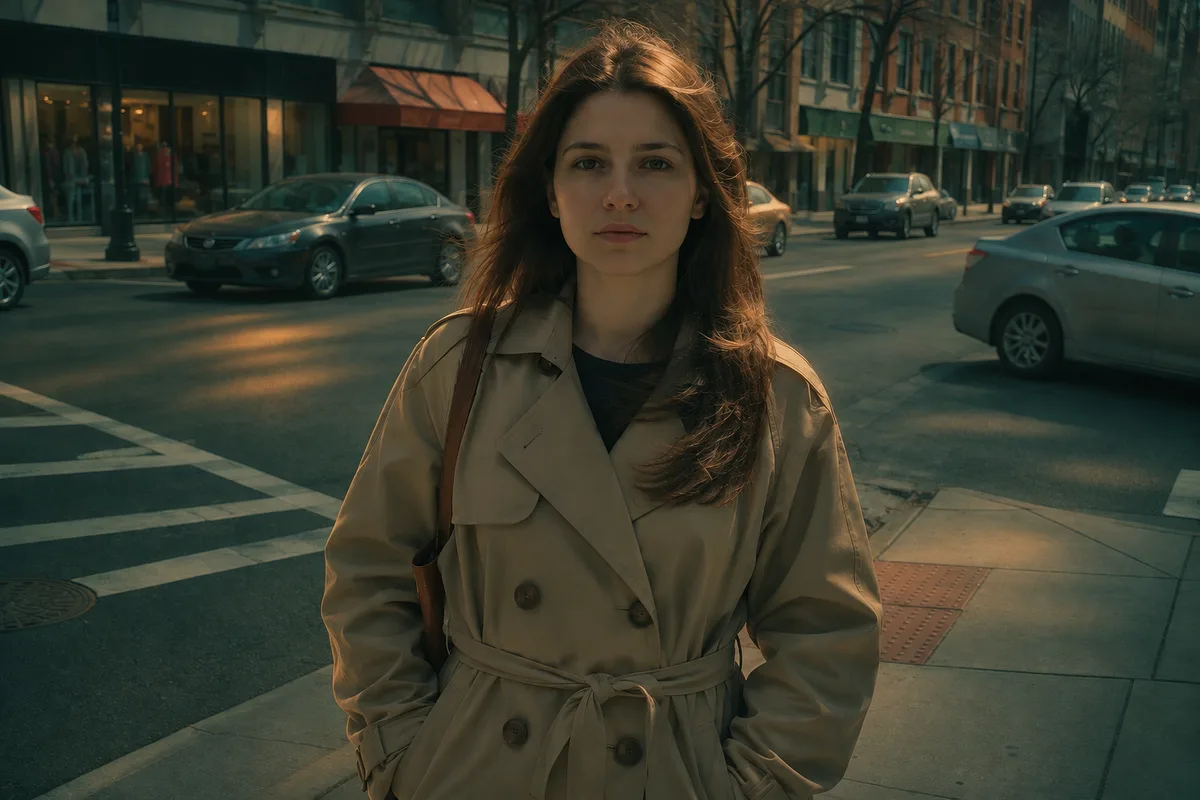
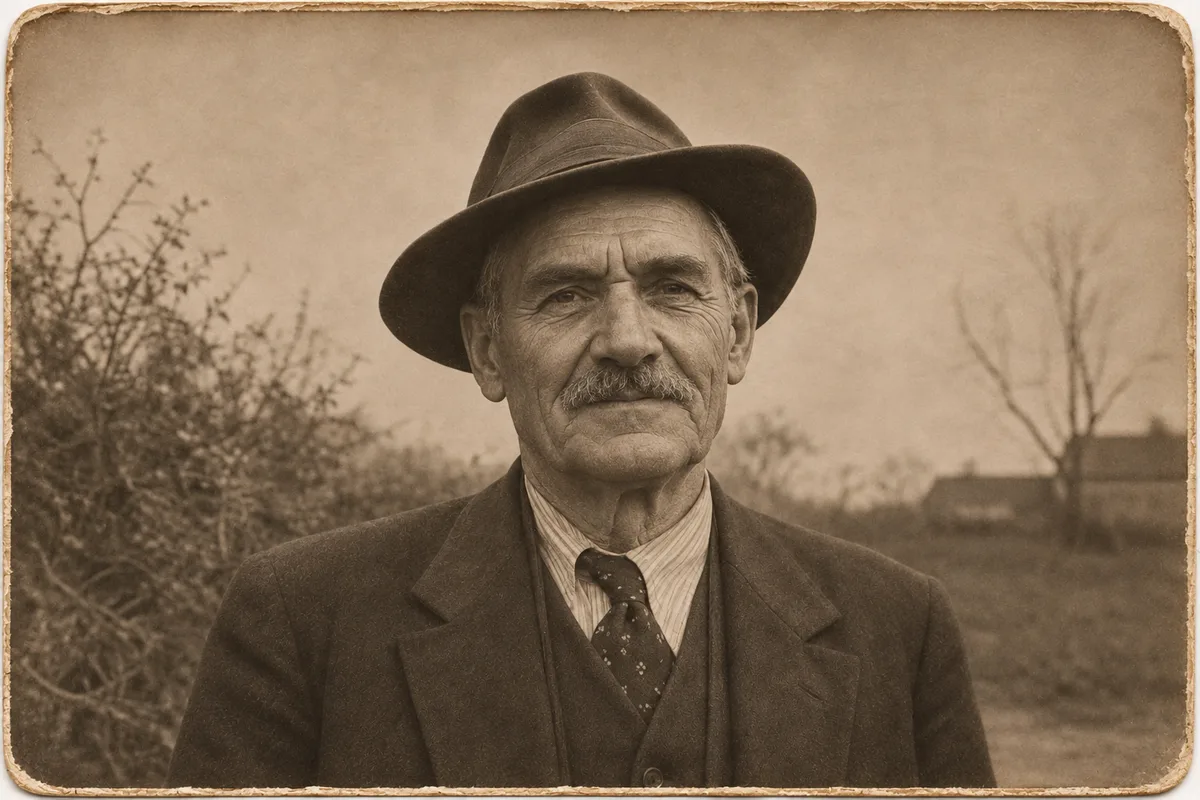
“Repair the cracks on this 1940s portrait without changing his face.”
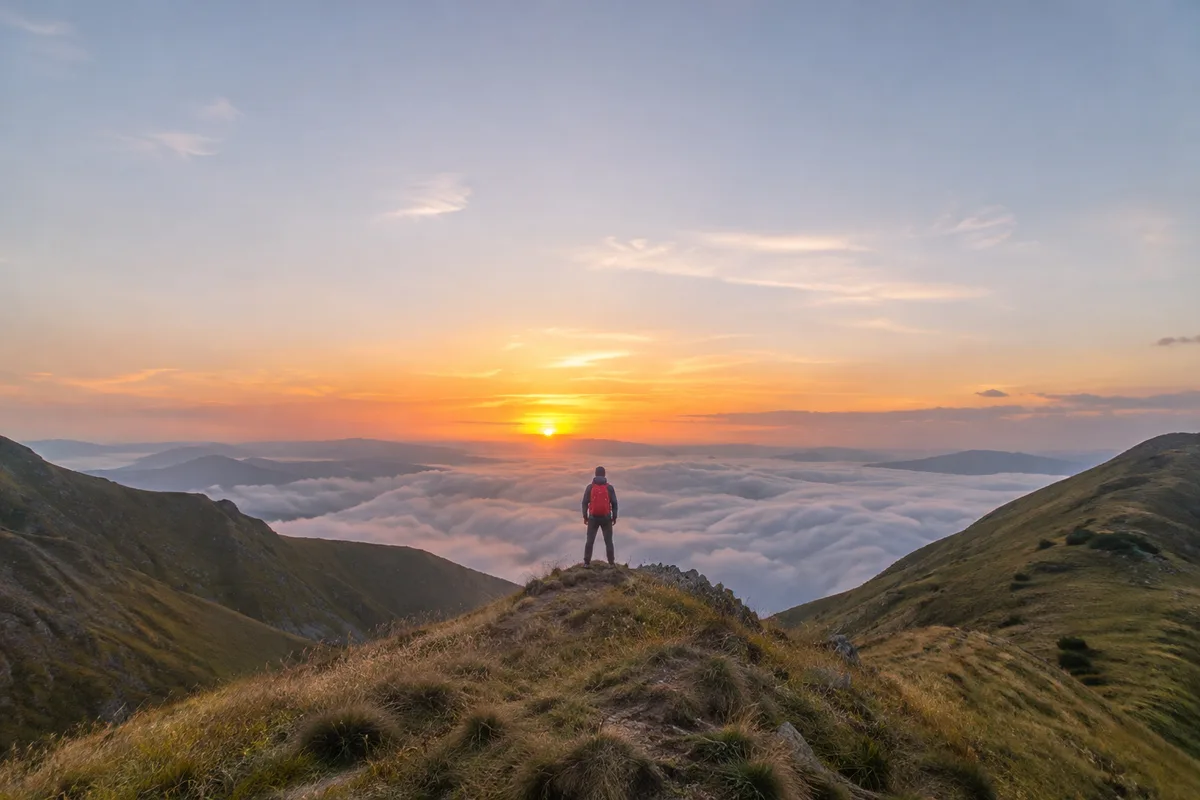
“Extend this mountain photo into a wide 16:9 header.”
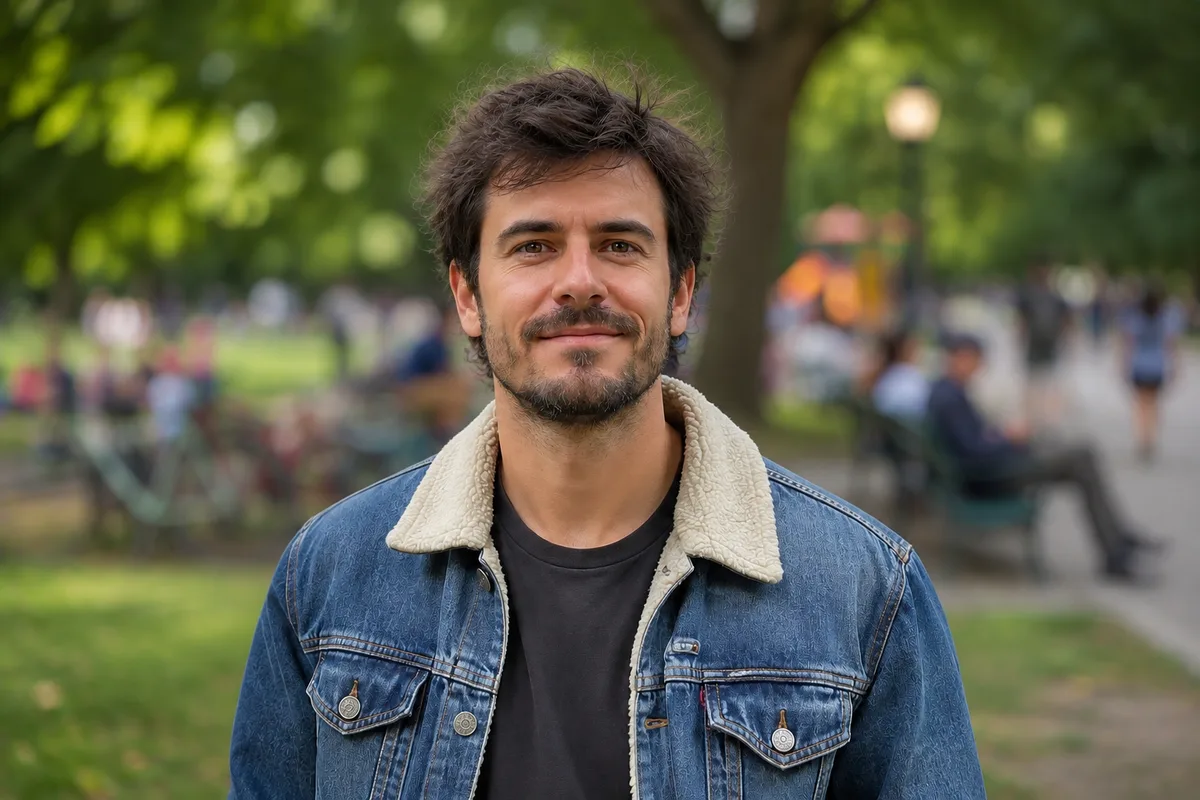
“Blur the busy background like an 85mm lens.”
“Make this thumbnail shot look like a movie still.”
“Repair the cracks on this 1940s portrait without changing his face.”
“Extend this mountain photo into a wide 16:9 header.”
“Blur the busy background like an 85mm lens.”
| Manual approach | Photo Studio | |
|---|---|---|
| Product cutouts | Tracing edges by hand in editing software, photo by photo | Batch background removal from one sentence, transparency kept, ready to list |
| Restoring old photos | Paying a restoration service or learning retouching | Scratches, creases and color fixed in one pass, with per-photo retries |
| Getting ID photos | Booking a photo studio and waiting for prints | An ID photo from an ordinary picture, background and size on request |
| Matching a set's style | Grading each photo by eye and hoping they match | Set the style once and the whole set comes out matched |
| Sharing the results | Zipping files into a drive link | A public album page to share, with a one-click bundle download |
Photo Studio is Eyesme's AI photo editor. It removes backgrounds, applies cinematic color, colorizes and restores old photos, expands frames, makes ID photos and gives a batch one consistent style, then collects everything on a shareable album page.
You can start for free. Photo tools are billed in credits and a daily free allowance covers light use; subscribe for a larger balance when you process more.
Preset tools such as background removal, colorize or cinematic lighting take up to 50 photos per run. Each photo generates independently, so you can retry just the ones you don't like. Free-form editing and ID photos work on one main photo at a time.
Standard ratios and background colors are supported; pick the spec for your use case. For official submissions, always double-check the accepting authority's requirements.
Results land in the conversation's side panel and on a public album page (/g) that you can share by link or download as one bundle.
Yes. Photo Studio is built on General Assistant, so web search, PDF and Word documents and slide decks are available in the same chat on a subscription.
JPG, PNG and WebP. Background-removal results keep their transparency.
Eyesme AI agents
 General
Research with sources, write, translate, code and read your files, then get the result back as a typeset document, a spreadsheet or an editable slide deck.
 Life
Relationship advice for a crush, a cold spell or a breakup: what's proven, what's a guess, what's unknown, and one thing you can do right now.
 Life
Check ingredients against regulatory lists, get skincare routines with citations, and makeup guidance for your features. Evidence first, never a diagnosis.
Start free with daily credits; upload a photo and say what it needs.
Start with Photo Studio