X Researcher · Eyesme AI agentTwitter research you can cite. Tweets you can post.

See what people say about you and your competitors on X, who your audience is, and which trends have real conversation behind them. Then get tweets and threads with character counts, ready to copy.
Made in a single chat

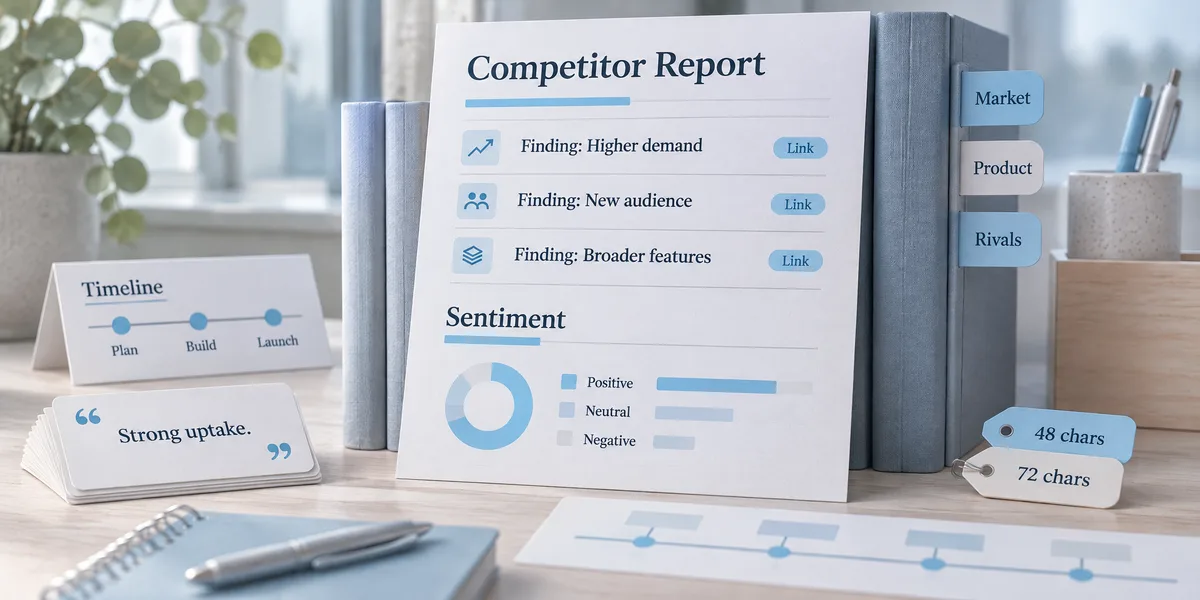
  • Evidence links included
    Research report

    Evidence links included

    Sentiment, audiences, trends, all checkable.

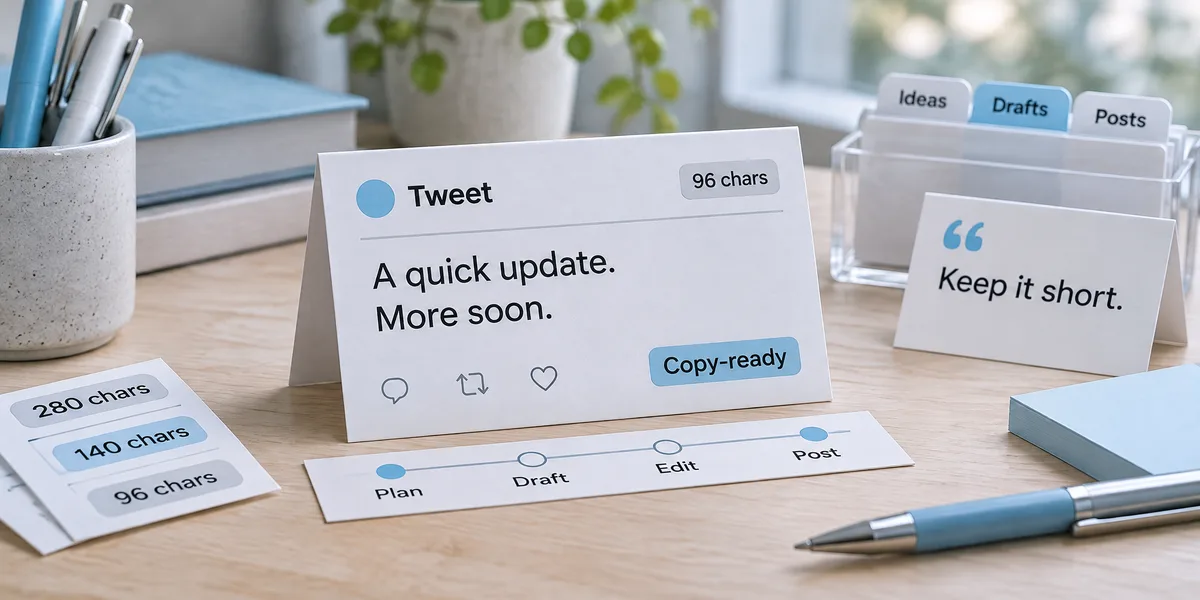
  • Copy-ready
    Tweet copy

    Copy-ready

    Character counts labeled, paste and post.

  • 3–8 posts, in rhythm
    Threads

    3–8 posts, in rhythm

    Each stands alone, numbered.

  • Findings for the team
    Key-points deck

    Findings for the team

    36 layouts, editable .pptx export.

What is X Researcher?

X Researcher is Eyesme's AI agent for researching X (formerly Twitter). It searches tweets and accounts to show competitor sentiment, recent mentions of your brand, who your followers are and whether a trend has real discussion behind it. Every finding links to the tweet it came from. It also turns what it found into single tweets, threads and long posts up to 25,000 characters, with character counts marked and ready to copy. It never posts for you.

X data is billed per request, so it plans each search before running it and checks with you before reading past five pages. It covers X only; Reddit research has its own agent.

X Researcher
Capabilities

Findings with links, copy with character counts

Evidence you can open and check, copy you can paste, and posting always stays with you.

Advanced Twitter search, written for you
Tweet search

Advanced Twitter search, written for you

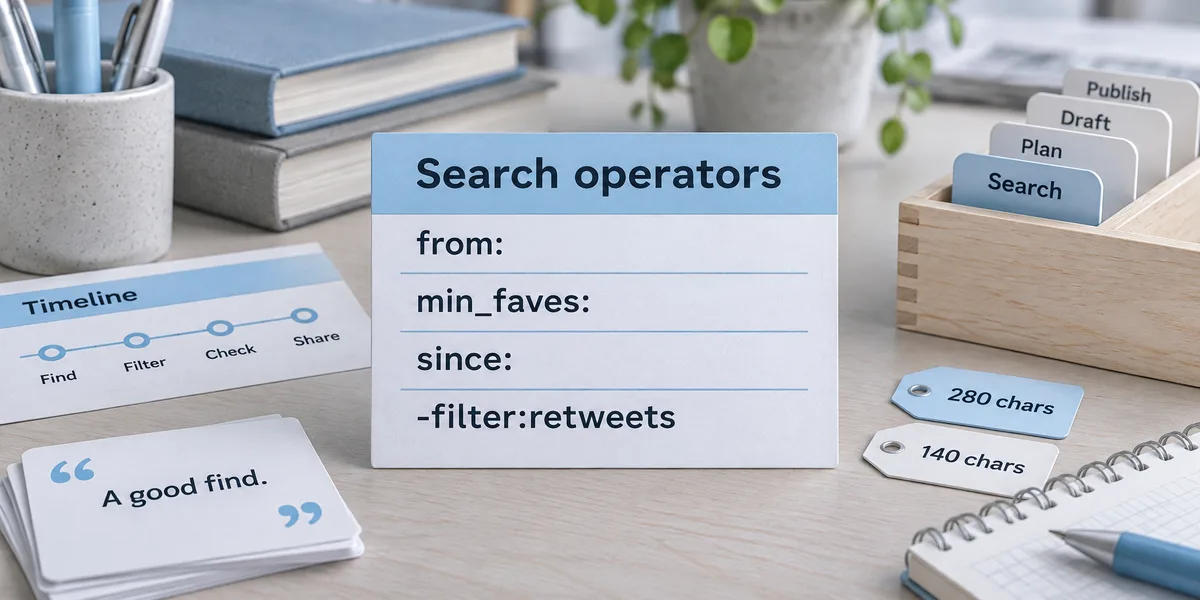
It writes queries with X's search operators, such as from:, min_faves:, since: and -filter:retweets, using the words people actually use to praise or complain. Latest shows live reactions; Top shows what already landed.

What people love, hate and switch to
Competitor sentiment

What people love, hate and switch to

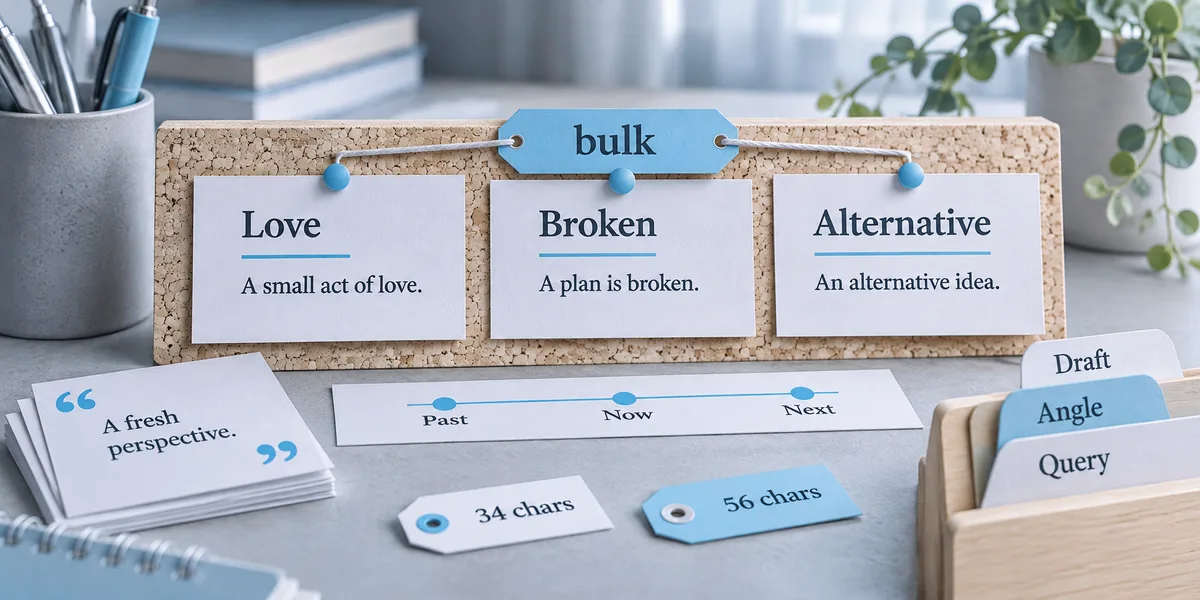
One pass runs 2–10 searches in parallel across praise, complaints (low-engagement one-offs filtered out) and people asking for alternatives, which is faster and cheaper than searching one by one.

Brand mentions and follower insights
Mentions & audience

Brand mentions and follower insights

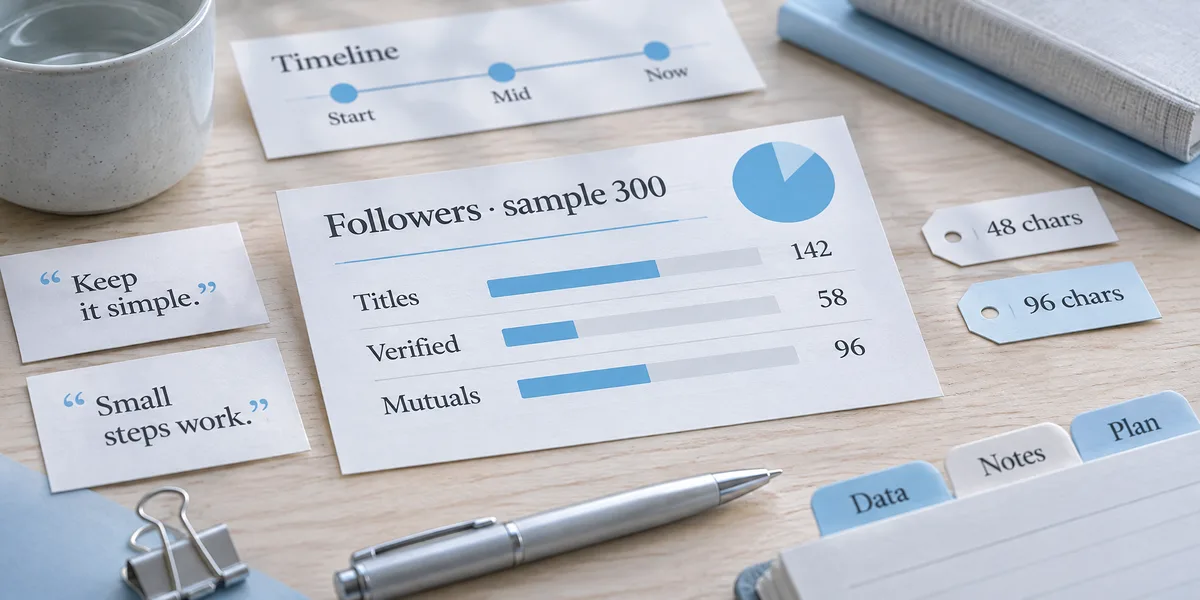
See the last 7 days of mentions ranked by likes; replies under negative posts often reveal what competitors miss. Audience profiles sample 200–400 followers to show job titles and mutual-follow rates.

Check whether a trend is worth joining
Trends & communities

Check whether a trend is worth joining

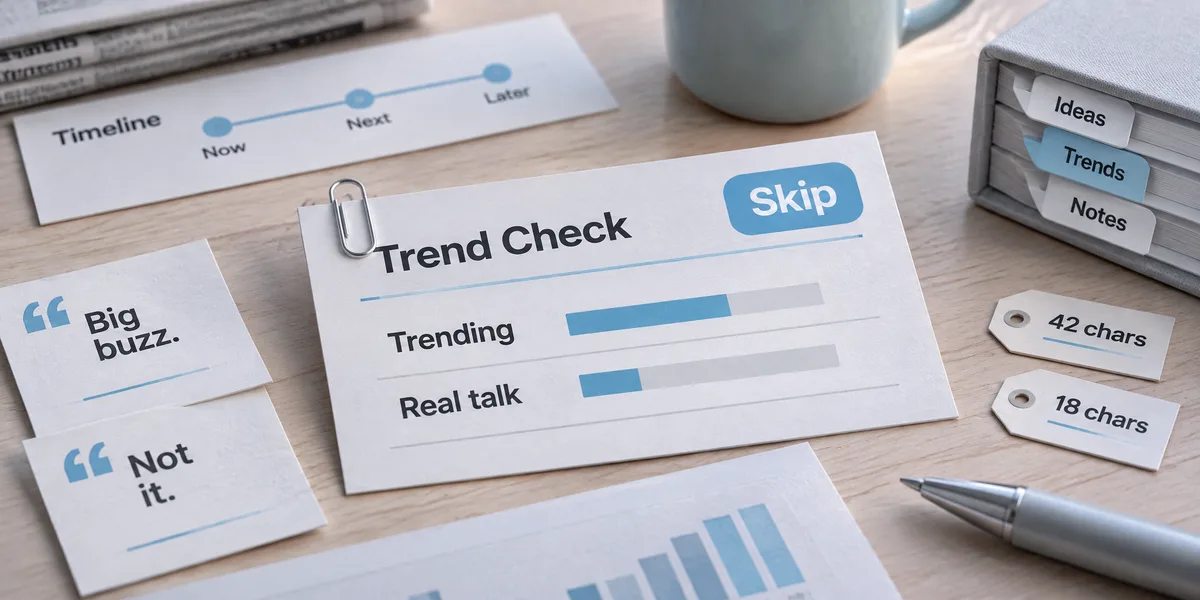
Trending terms are checked against real discussion volume, and Communities and Lists are explored layer by layer. Every page costs money, so it asks before going past five pages.

Write tweets, threads and long posts
Writing

Write tweets, threads and long posts

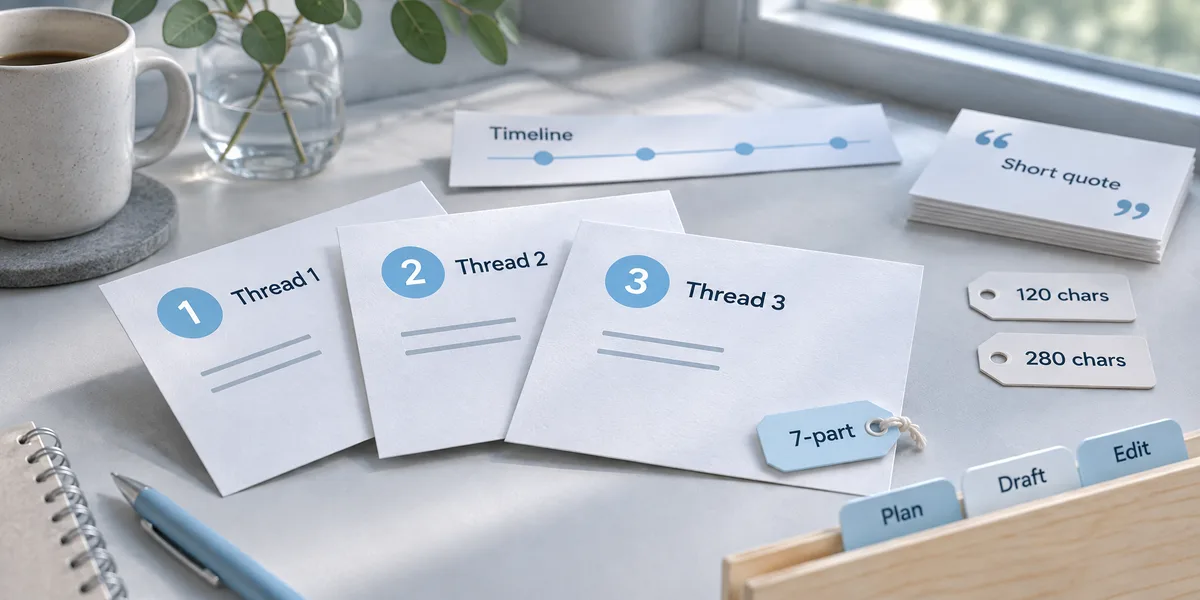
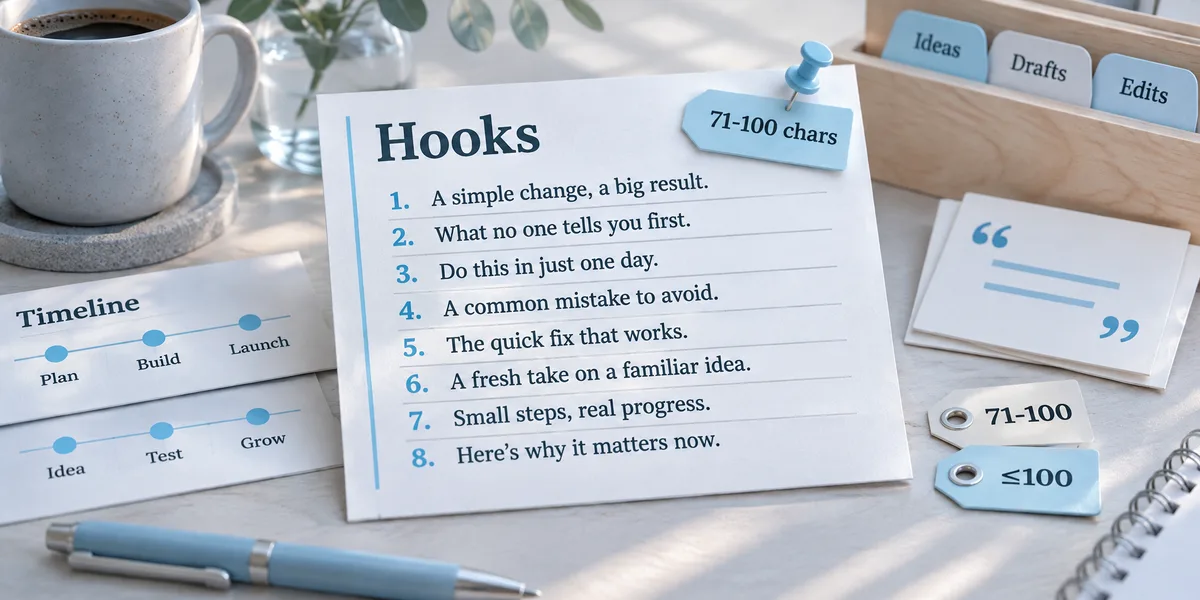
Single tweets, threads of 3–8 posts that each stand alone, and long posts up to 25,000 characters, starting from eight hook patterns. Written to the platform's norms: links in replies, images at 1200×675.

Reports for the team, copy for posting
Export

Reports for the team, copy for posting

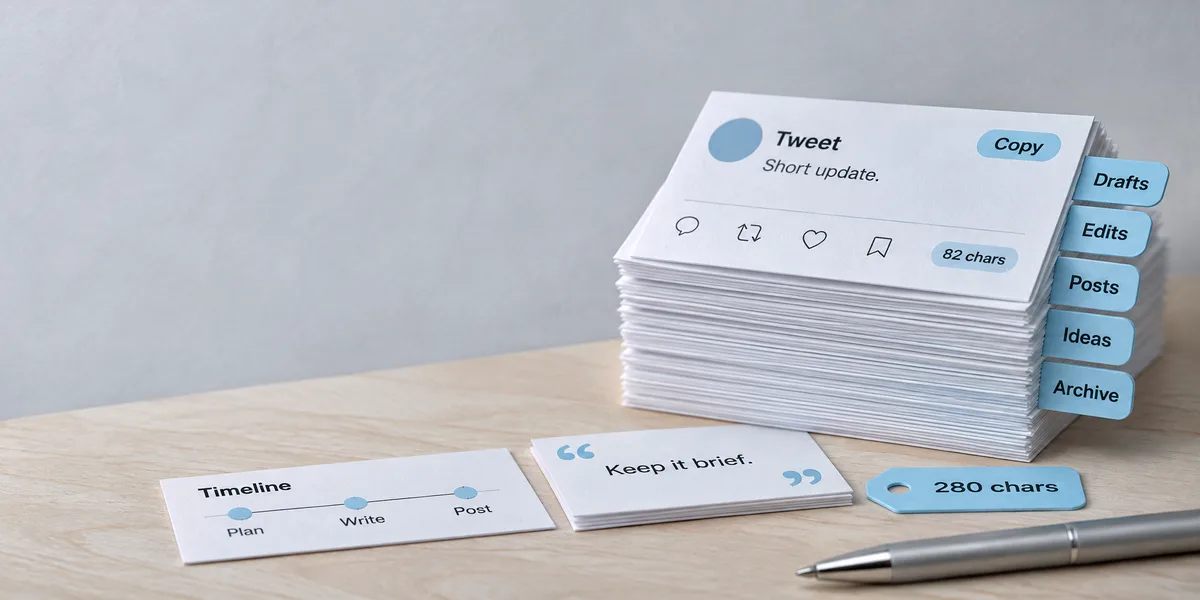
Reports export as typeset documents, key points as an editable .pptx deck. Tweets, threads and long posts copy straight from the chat with character counts already marked.

Built on General Assistant

Everything General Assistant does is here too

X Researcher adds operator retrieval and writing discipline on top of the base agent, so reports and decks stay in the same conversation.

  • Reads the competitor lists and screenshots you upload
  • Typeset reports and documents
  • Slide decks with .pptx export
  • Image generation for report illustrations
Meet General Assistant
How it works

From one competitor to sentiment plus copy

Three lanes queried in parallel, reactions ranked by likes; the report and the tweets land together.

  1. 1

    Name the subject

    A competitor, keywords, accounts or communities to watch, or a topic to write.

  2. 2

    Queries designed before they run

    Operator combinations, lanes run in parallel; every step's cost is on the table.

  3. 3

    Findings and copy

    A report with tweet links; copy with character counts, copy-ready.

  4. 4

    Posting stays yours

    Delivery ends at copy-ready; posting and scheduling are your moves.

How does the note-taking app space look on X? And give me three tweets I can post.

X Researcher
  • Three lanes done · praise / complaints / alternatives
  • 15 key tweets · each with a link
  • Audience profile · 300 sampled
  • 3 tweets · character counts labeled

The sentiment report is in the panel, with praise and complaints laid out separately and every finding carrying its tweet link. Three tweets are written in the best-length range with counts labeled; copy and post.

Competitor report
Competitor report
Use cases

One request, one grounded answer

Example requests by situation, and what comes back.

  • Product managerExample request

    “Where does my competitor get hammered on X?”

    Research reportThree lanes, complaints filtered for one-offs
  • GrowthExample request

    “Who mentioned us in the last 7 days, and how does it feel?”

    Research reportMentions in a window, top reactions first
  • Market researchExample request

    “Who are our followers, really?”

    Audience profileA 200–400 sample: titles and mutual-follow quality
  • Content planningExample request

    “Is this trend word worth joining?”

    Trend snapshotTrend list against real discussion volume
  • Indie devExample request

    “Launch next week; write a 7-part thread.”

    ThreadEach post stands alone, numbered and ready
  • Social opsExample request

    “Which hooks have worked on this topic?”

    Benchmark snapshotBulk benchmark queries with min_faves filters
  • CreatorExample request

    “Turn this research into a long-form article.”

    Long-form25,000-character long-form, paragraph-ready
  • Team briefingExample request

    “Typeset the findings into a doc and slides for the meeting.”

    Docs and deckTypeset report plus a 36-layout deck

By the numbers

hook patterns to start from
8
document themes
15
deck themes
12

X Researcher vs doing it manually

Manual approachX Researcher
Reading sentimentTreating press releases as feedbackPraise, complaints and alternative-seeking searched separately, every tweet linked
Following trendsJumping on whatever is trendingTrends checked against real discussion before you join
Knowing your audienceFollower count as a personaA 200–400 follower sample: job titles and mutual-follow rate
Writing tweetsGuessing at 280 charactersEight hook patterns, character counts marked, ready to copy
Controlling costPaging endlessly through resultsCost per page shown, with a check-in past five pages
FAQ

About X Researcher

What is X Researcher?

X Researcher is Eyesme's AI agent for researching X (Twitter). It searches tweets and accounts to analyze competitor sentiment, brand mentions, audiences and trends, with every finding linked to its tweet. It also writes single tweets, threads and long posts that are ready to copy; you post them yourself.

Is X Researcher free?

You can start free: the daily credits cover everyday conversation. X data is billed per call and used sparingly; it stops to ask before paging past five. Web search, document and slide rendering are subscription features.

Will it post tweets for me?

No. The write endpoints don't exist; that is a deliberate product boundary. Delivery ends at copy-ready: character counts labeled, format set, and posting stays yours.

Can I trust the findings?

Every finding carries the tweet's link, openable for verification; sampling bias and window coverage are written into the report, and nothing found is reported as not found.

What does research cost?

It scales with query volume: a tiny per-call floor, accumulating per page. Queries are designed before they run: parallel angles in one bulk pass, no unbounded paging, and it checks in before overspending.

What can I export?

Reports come back as typeset documents and key points export as .pptx slides; tweets, threads and long-form copy straight from the chat.

How is it different from General Assistant?

General Assistant is general. X Researcher adds the operator playbook, three-lane sentiment queries, sampling discipline and the writing constraints, with hard boundaries: X only (Reddit has its own researcher), no write endpoints, and manipulation declined.

Name a competitor. See what X is saying.

Start free with daily credits; subscribe to unlock documents, slides and web search.

Start with X Researcher