Automatically generate accurate subtitles for your video presentations. AI-powered speech recognition synced to your narration timeline.
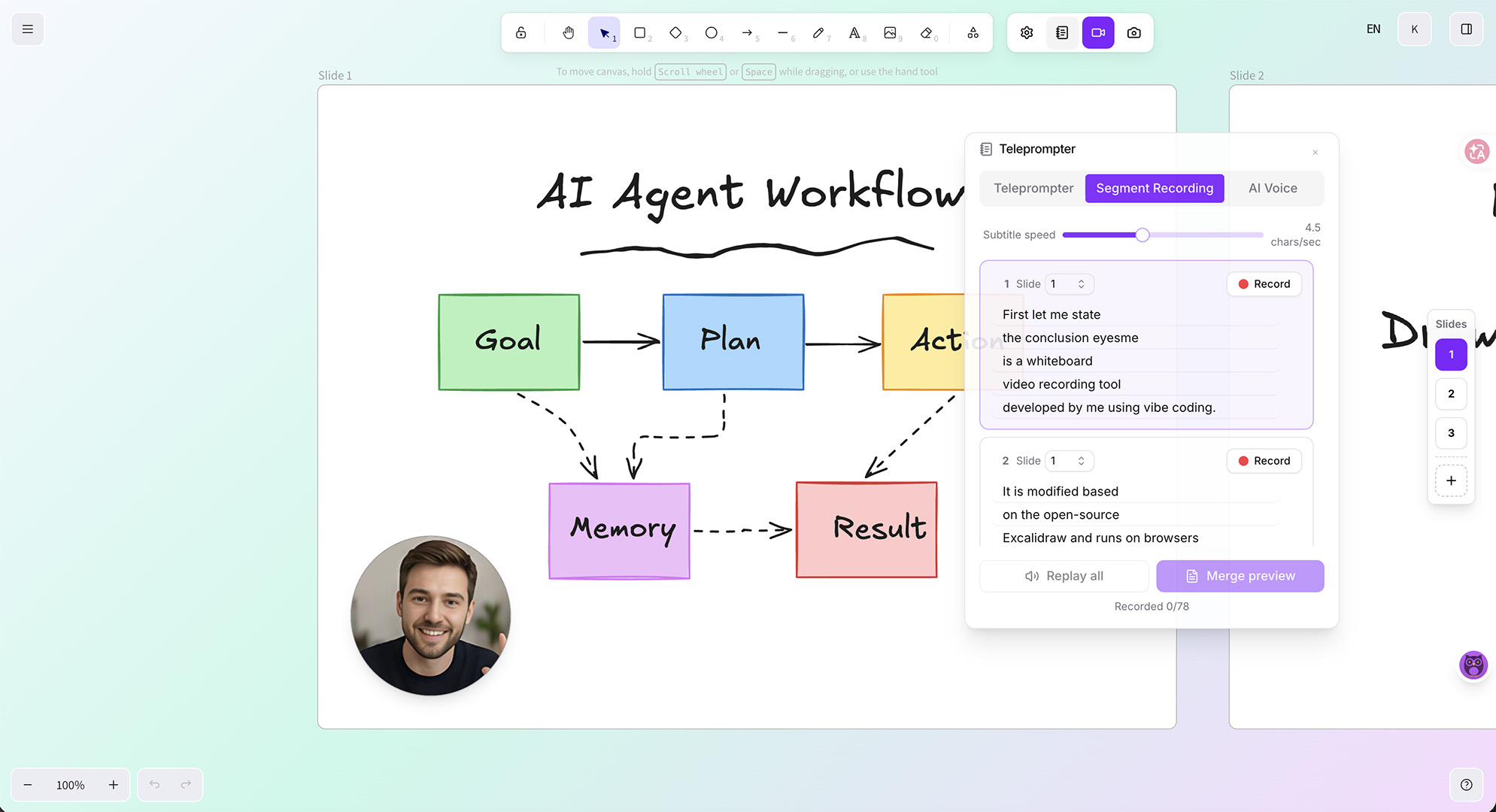
Record your video presentation in Eyesme with microphone narration
AI automatically transcribes your speech and generates time-synced subtitles
Review and edit the subtitle text, timing, and style in the built-in editor
Export your video with burned-in subtitles or as a separate subtitle file
AI transcription delivers accurate subtitles from your narration. Handles technical terms, multiple languages, and various accents.
Subtitles are automatically synced to your narration timeline. Each subtitle appears precisely when the corresponding words are spoken.
Translate subtitles into multiple languages to reach a global audience. Use AI to translate both your subtitles and canvas text content in one workflow.
Adjust font size, color, position, and background to match your video's visual theme. Make subtitles readable on any background.
Make video content accessible to hearing-impaired viewers and non-native speakers. Subtitles ensure everyone can follow along regardless of audio ability.
Most social media videos are watched without sound. Adding subtitles dramatically increases watch time, engagement, and message comprehension.
Create one video and translate subtitles into multiple languages. Reach international audiences without re-recording narration in each language.
AI subtitles are highly accurate for clear speech in quiet environments. You can easily edit any errors in the built-in subtitle editor before exporting.
Yes. Eyesme supports subtitle translation into multiple languages. Generate subtitles in your spoken language, then translate them for international audiences.
The teleprompter displays your script on screen while recording. It scrolls at a configurable speed so you can read naturally while speaking to the camera.
Yes. Subtitles are added to the final video regardless of whether you use webcam overlay, screen recording, or whiteboard canvas.
Yes. All subtitle generation, editing, and translation features are completely free. The only paid option is a one-time $20 payment to remove the watermark from exported videos.
Record whiteboard videos with webcam, voice, and AI subtitles
Teleprompter with adjustable speed, opacity, and screen recording
Text-to-speech AI voiceover for video presentations
AI-powered translation for canvas content and video subtitles
No downloads, no sign-up. Open your browser and start drawing, recording, and sharing.
Launch Eyesme Canvas