Record whiteboard presentations with webcam overlay, AI subtitles, and voice narration. Create professional explainer videos directly in your browser.
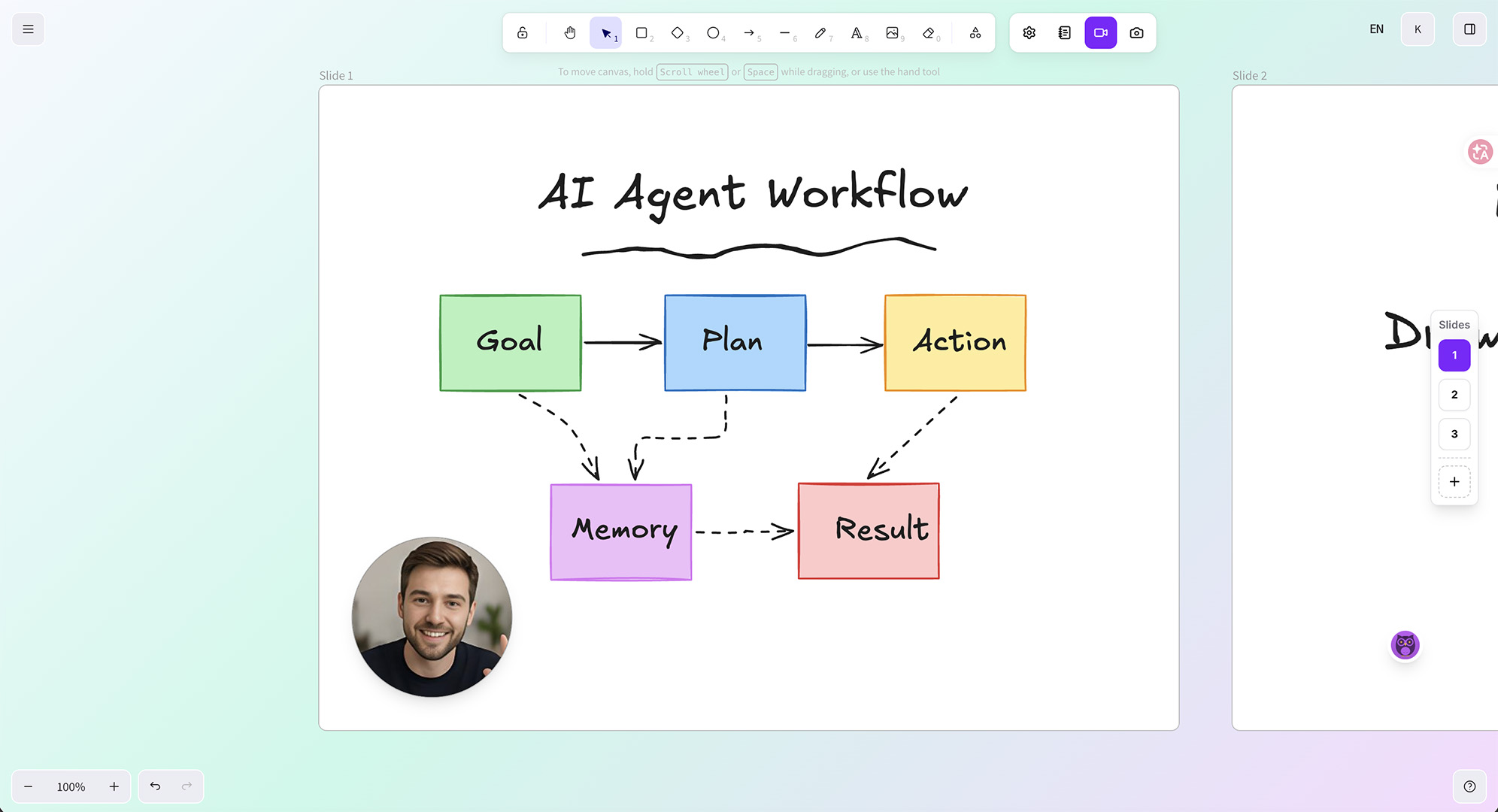
Open Eyesme and draw your content on the infinite canvas using the built-in tools
Write a narration script and assign it to each slide — slides auto-switch during recording and preview
Record segment by segment — preview each segment, re-record if needed, then merge into a complete video
Export the final video as MP4 with auto-generated subtitles and optional AI voice narration
Record one narration segment per slide. Preview each segment individually to catch mistakes early, re-record any segment without starting over, then merge everything into a single video.
Each narration segment is bound to its slide. During preview or recording, slides switch automatically — no manual navigation needed.
Add a personal touch with a draggable webcam bubble overlay. Viewers see both your face and your whiteboard drawings at the same time.
Export your complete presentation as a single MP4 file — drawings, webcam, subtitles, and narration all included. Ready to share on YouTube or social media.
Produce hand-drawn explainer videos that walk viewers through concepts step by step. The webcam overlay adds a personal, trustworthy presence.
Record lesson-by-lesson video content students can replay anytime. Draw diagrams, write formulas, and narrate at your own pace — then share the video link.
Create compelling product demo and pitch videos by drawing diagrams while explaining your value proposition. More engaging than static slide decks.
Yes. Eyesme supports picture-in-picture webcam recording. Your camera feed appears as a draggable bubble overlay on the whiteboard canvas.
Eyesme exports videos as MP4 files at up to 1080p resolution. The video includes your drawings, webcam overlay, subtitles, and narration.
Yes. Eyesme uses a segment-based recording system. You can record each narration segment independently and re-record any segment without affecting others.
Eyesme is built for video creation. It adds webcam recording, segment-based narration, auto-generated subtitles, and text-to-speech voiceover on top of a whiteboard canvas — features Excalidraw does not offer.
Yes. All drawing, recording, AI subtitle, and AI voiceover features are completely free. The only paid option is a one-time $20 payment to remove the watermark from exported videos.
Teleprompter with adjustable speed, opacity, and screen recording
Auto-generate synced subtitles with AI speech recognition
Text-to-speech AI voiceover for video presentations
AI-powered translation for canvas content and video subtitles
No downloads, no sign-up. Open your browser and start drawing, recording, and sharing.
Launch Eyesme Canvas